


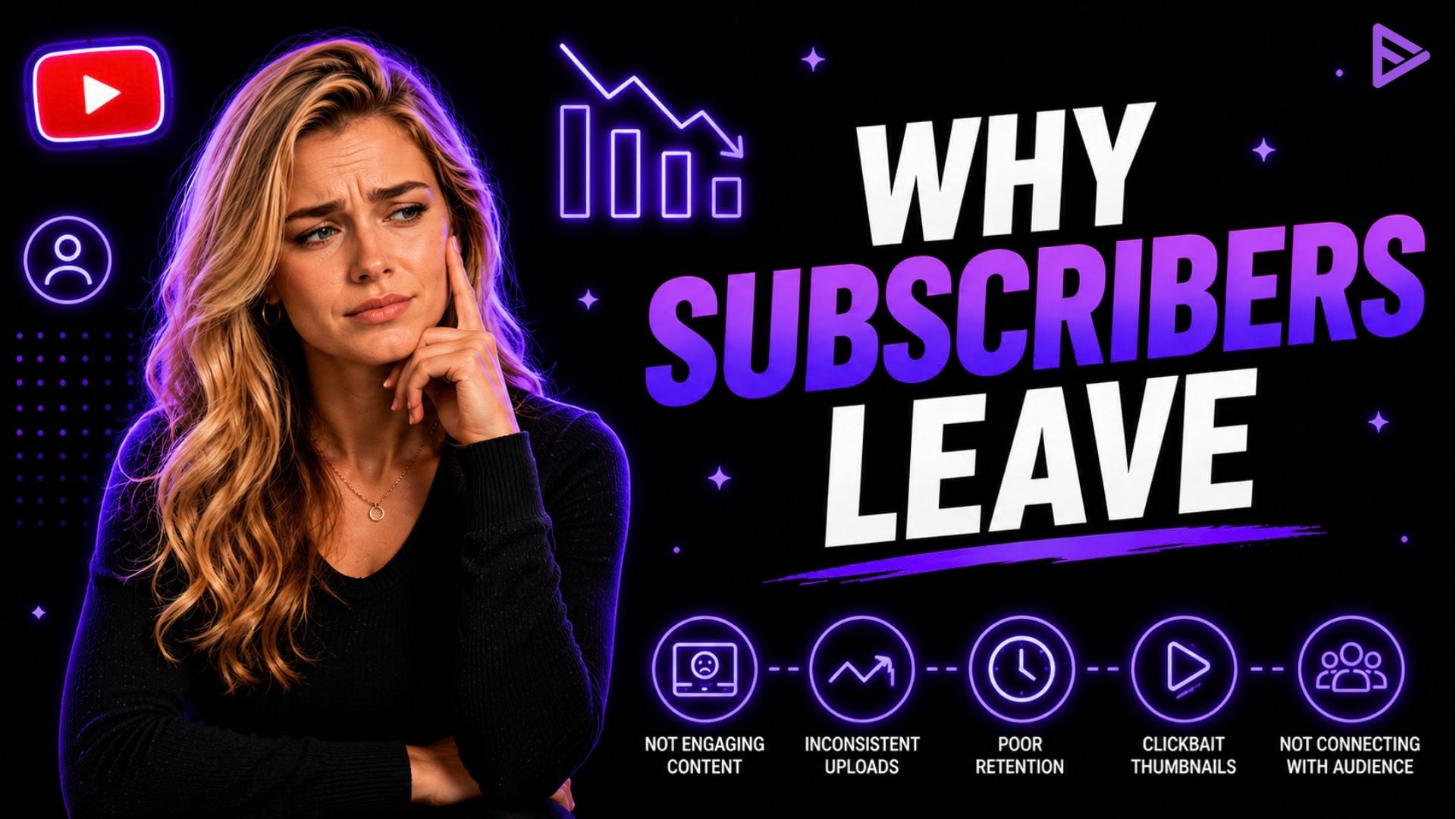
Key Takeaways
- A sudden, sharp drop is usually YouTube purging inactive or bot accounts, not real unfollows.
- Niche drift causes real unsubscribes: viewers who signed up for one topic leave when you switch to another.
- Inconsistent upload schedules break viewer habits and quietly erode subscriber trust.
- YouTube Analytics’ audience retention graphs show the exact moment viewers click away.
- Cutting underperforming video formats and doubling down on what works stops the bleeding fastest.
Why You’re Losing YouTube Subscribers (And How to Stop It)
Most subscriber drops come from YouTube purging spam and inactive accounts, not real viewers leaving. The cases that do reflect real audience loss- niche drift, inconsistent uploads, and content fatigue- are fixable once you know what to look for.
The sections below walk through both: the purges you can safely ignore, and the real causes worth acting on.
Why Am I Losing Subscribers on YouTube Overnight?
An overnight drop is often a YouTube system purge removing spam and inactive accounts, not real viewers unsubscribing.
These automated sweeps clear out accounts that never existed as real, engaged viewers, so your actual audience and watch time stay untouched. If the drop happened overnight and your views and comments look normal, it’s likely a platform clean-up, not a content problem.
Some operational context:
- Systematic Account Scans: YouTube’s Spam Policy confirms the platform regularly reviews accounts and content for signs of artificial engagement and inauthentic activity.
- Artificial Engagement Removal: Per YouTube’s own Spam Policy: “We recognise that creators use a variety of strategies to promote their channels and reach new audiences. To grow their audience safely and sustainably, creators should avoid practices that rely on artificial engagement, undermine platform integrity and disrupt the overall viewer experience.”
- Audit Distinction: A periodic [Anchor text: YouTube Channel Audit Strategy] helps you tell the difference between an algorithm purge and an actual content drop.
Is YouTube Deleting Inactive Accounts and Bot Subscribers?
Yes. YouTube regularly removes inactive, closed, and bot-created accounts to keep subscriber counts accurate, and it enforces this through its Spam and Fake Engagement policies.
These purges target accounts abandoned by their owners or created through sub-for-sub schemes and similar engagement manipulation, which YouTube explicitly prohibits. Losing that number stings, but it doesn’t hurt your actual watch time or algorithmic standing, since those accounts were never real viewers.
- Quality over Quantity: A large subscriber count backed by low per-video views signals weak audience connection, something YouTube strategists and creator-analytics platforms consistently point to as a warning sign, not a growth win.
- Algorithmic Advantage: A smaller base of genuinely engaged viewers carries more weight with YouTube’s recommendation system than a large base of inactive ones.
- Core Focus: Don’t chase back purged bot accounts. Build with the real audience you have left.
How Does Niche Drift and Inconsistent Content Cause Subscriber Loss?
Niche drift happens when you change your subject, style, or format without warning your audience, and it drives real unsubscribes because viewers signed up for something specific.
Someone who subscribed for gaming content and suddenly gets financial advice videos will often unsubscribe. Keeping your topic focus consistent helps you meet subscriber expectations with every upload.
- Immediate Drops: Creators who make a sudden, unannounced niche change commonly see a noticeable spike in unsubscribes in the weeks that follow, since the audience no longer sees the content it signed up for.
- Viewer Fatigue: When topic focus blurs, viewer interest fades.
- Strategic Alignment: Check new sub-topics against your existing pillar content before publishing, or test the shift gradually rather than all at once.
| Spam Purge | Sharp drop within a short window | YouTube system bot sweep | No action needed; engagement rate improves |
| Niche Drift | Unsubscribes spike after specific uploads | Topic deviation from audience expectations | Return to core content; ask community for input |
| Viewer Burnout | Gradual decline over months | Overposting or repeating the same format | Set a posting schedule; refresh thumbnails |
| Inactive Audience | Low click-through rate on new videos | Audience has outgrown your content | Audit underperforming videos in Analytics |
Why Do Upload Frequency and Viewer Burnout Cause Subscriber Loss?
Irregular upload schedules break the viewing habit you’ve built, and both overposting and long unannounced breaks lead to unsubscribes.
Five videos in one week followed by a month of silence kills channel momentum. A predictable, sustainable release schedule protects subscriber retention over time.
- Too Many Low-Value Uploads: Overposting causes notification fatigue, pushing viewers to clean out their subscription feed, including you.
- Unannounced Long Breaks: A long, unexplained hiatus lets subscribers lose interest and drift away.
- Structured Schedules: A Content Calendar Scheduling System keeps your output consistent and sets clear expectations for viewers.
How Do You Diagnose and Stop Subscriber Loss on YouTube?
Use YouTube Analytics’ subscriber status filter and retention graph to find your exact drop-off points, then fix the specific videos or habits causing them.
- Go to Advanced Analytics and filter by “Subscription Status.”
- Check the audience retention curve for exact drop-off timestamps.
- Fix confusing titles and weak intro hooks on affected uploads.
- Double down on formats with strong subscriber conversion, and tighten your end-screen CTAs.
Still losing subscribers even after making these changes? If you’re looking for a way to buy YouTube subscribers, VeeFly helps you promote your channel and reach more potential subscribers through real audience-focused promotion.
Final Thoughts
Review your analytics, keep your content focus tight, and post on a consistent schedule; these three moves fix most subscriber loss that isn’t a routine bot purge. If you want structured, legitimate audience growth on top of that, We offers official YouTube promotion strategies.
Frequently Asked Questions
Q1. What is a normal amount of subscriber loss on YouTube?
Some subscriber loss is normal for every channel, driven mostly by spam purges and inactive-account cleanup rather than real unfollows. There isn’t a single official benchmark number for “normal” daily loss, so the better signal is trend. If losses spike sharply right after a specific upload or content change, that points to a real audience reaction rather than routine platform cleanup.
Q2. Does losing subscribers hurt your YouTube algorithm ranking?
No. Losing subscribers to bot or spam purges doesn’t hurt your recommendations. Click-through rate and average percentage viewed matter far more to YouTube than raw subscriber count. Losing unengaged subscribers can actually improve your impression-to-click ratio, which signals higher content quality to the algorithm.
Q3. How long does a YouTube subscriber purge usually last?
YouTube doesn’t publish a fixed timeline for spam and inactive-account sweeps, but Analytics numbers can lag behind real-time counts by up to 48 hours as YouTube verifies activity. If your subscriber count keeps dropping for a week or more with no sign of stabilising, treat it as a content or retention issue rather than a routine cleanup.
