


Key Takeaways
- Replying early, while a video is still gathering its first wave of views, has the biggest impact on the conversation.
- A personalised reply that uses the commenter’s name or references what they said outperforms a generic “thanks for watching.”
- Hearting and pinning comments are official YouTube features built specifically to reward good comments without writing a full reply to each one.
- Genuine criticism deserves a calm, direct response. Trolls and spam don’t; blocked words and hidden users are for that.
- Not every comment needs a reply. Prioritise new viewers, real questions, and comments likely to spark a conversation, and let a heart or pin cover the rest.
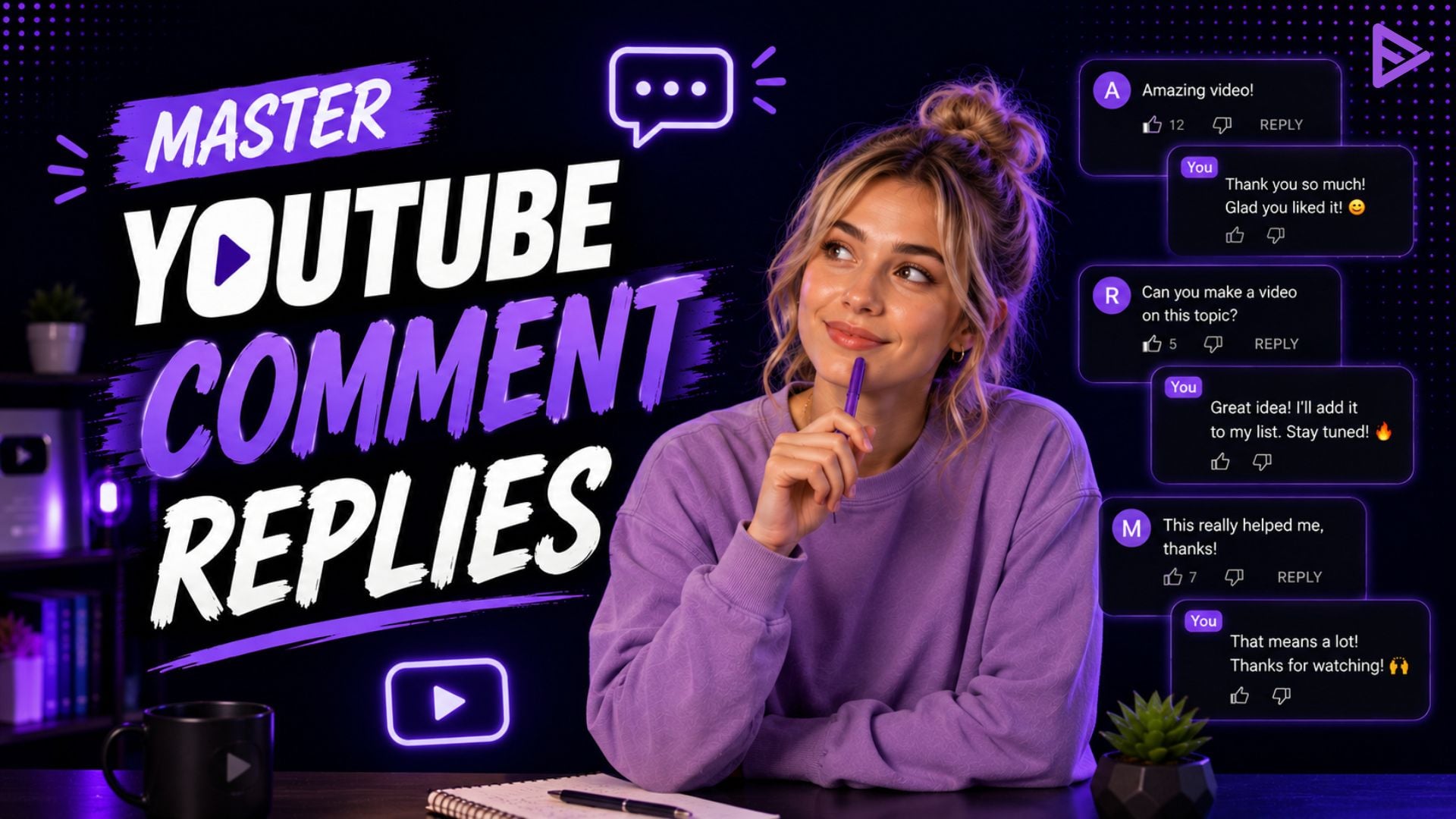
To reply to YouTube comments, respond in the first few hours, make it personal rather than a “thanks,” answer questions directly, stay calm when criticising, highlight good comments (or pin them), and skip the ones that say nothing.
Why Responding to Comments Actually Matters
Comments are one of the signals YouTube uses to gauge whether a video is worth showing to more people. Replying to a comment also shows viewers you’re listening, which is a big part of why they come back for the next video. YouTube’s own guidance for creators confirms that hearting a comment notifies the commenter and is a quick way to build loyalty, while pinning lets you control what viewers see first when they open the comments section.
6 Rules for Replying to YouTube Comments
These aren’t YouTube requirements; they’re practices drawn from how creators who consistently grow engagement actually manage their comment sections. Six important rules to understand how to respond to a YouTube comment are provided below:
1. Reply within the first few hours
Comments left early get the most value from a reply, since that’s when the conversation is still forming, and other viewers are actively scrolling through it.
Viewer: “Just found your channel, this is exactly what I needed.”
Creator: “Welcome aboard. What are you working on right now? Might be able to point you to a specific video.”
2. Personalise the reply
The phrase “thanks!” is generic and sounds like a bot response. Use the viewer’s words to make the reply feel real by taking 5 extra seconds.
Viewer: “The editing on this one was so clean.”
Creator: “Appreciate that, Sam. The transition around 4:20 took way longer than it should have.”
3. Answer questions directly
When someone asks a legitimate question, try to answer it in the response and don’t link somewhere else. Pin the most appropriate ones so future viewers don’t have to ask again.
Viewer: “What mic do you use?”
Creator: “Shure SM7B” through a Cloudlifter. The full setup is linked in the description if you want the rest.
4. Heart or pin the comments worth highlighting
It’s not required to write a full response to every comment. Hearting takes one click and still notifies the commenter that you saw it, which is enough for most supportive or funny comments. YouTube’s guidance on hearting and pinning confirms this is a deliberate feature for rewarding good comments without writing a full reply to each one.
5. Handle criticism calmly; don’t feed trolls
A defensive reply shuts down the conversation. A calm one, even to a harsh comment, often turns a critic into a regular viewer.
Viewer: “This didn’t really explain anything; felt like a waste of time.”
Creator: “Sorry it missed the mark. What part left you confused? I can clarify here or cover it properly next time.”
Actual trolling and spam don’t deserve a reply. That’s what YouTube’s blocked words list and hidden users feature are for, not a comment thread.
6. Don’t reply to everything
Trying to respond to every comment quickly drains creators. Focus on new viewers, reflective questions, and comments that might start a real discussion. A heart is enough for the rest.
How Do You Reply to a Comment on YouTube: Step by Step
Replace the single paragraph with:
On Desktop:
- Go to YouTube Studio.
- Click Comments in the left menu.
- Select the comment you want to respond to from the list.
- Click Reply directly below the comment.
- Type your response and click Reply to post it.
On Mobile (YouTube app):
- Open the video from your channel or the app.
- Tap the comment count to open the comments section.
- Find the comment and tap Reply underneath it.
- Type your response and tap Reply to post it.
The steps are the same on iOS and Android.
|
Comment Type
|
Best Response
|
|
Genuine praise
|
Personalized reply or heart
|
|
Direct question
|
Full reply, pin if it’s asked often
|
|
Constructive criticism
|
Calm, direct reply
|
|
Harsh but real feedback
|
Brief, non-defensive reply
|
|
Obvious spam or trolling
|
No reply, block or hide instead
|
Common Mistakes When Responding to YouTube Comments
Here are some common mistakes that you might make as a creator while responding to your YouTube video comments-
- Copy-pasting the same reply to everyone. It’s obvious, and it kills the sense that a real person is behind the channel.
- Arguing with trolls. It rarely changes their mind and just increases visibility.
- Ignoring questions. A viewer who asks something and gets no answer is less likely to comment again.
- Ignoring moderation settings entirely. Held-for-review and blocked words exist specifically so genuine engagement doesn’t get buried under spam.
Final Thoughts
Responding to YouTube comments doesn’t mean replying to everything. It means responding quickly to comments that really count, adding a personal touch where possible, and leaving the rest to YouTube’s moderation system. Make replying to meaningful comments a regular part of your upload routine. It is one of the simplest ways to turn casual viewers into a loyal audience. If you’re also trying to figure out who those comments are coming from, read the guide on identifying your YouTube audience.
Frequently Asked Questions
Q1. How do you reply to a comment on YouTube from a phone?
Open the video in the YouTube app, tap the comment, and then tap Reply. It works the same way on both iOS and Android.
Q2. Should creators reply to negative comments?
Genuine criticism, yes, calmly and briefly. Obvious trolling or spam is better handled with the block or hide feature than a reply.
Q3. How fast should you respond to YouTube comments?
Within the first few hours after posting has the most impact, since that’s when the comment section is most active.
Q4. Does replying to comments help the YouTube algorithm?
It contributes to overall engagement, but it isn’t the deciding factor on its own. Watch time and click-through rate matter more.
