


Key Takeaways:
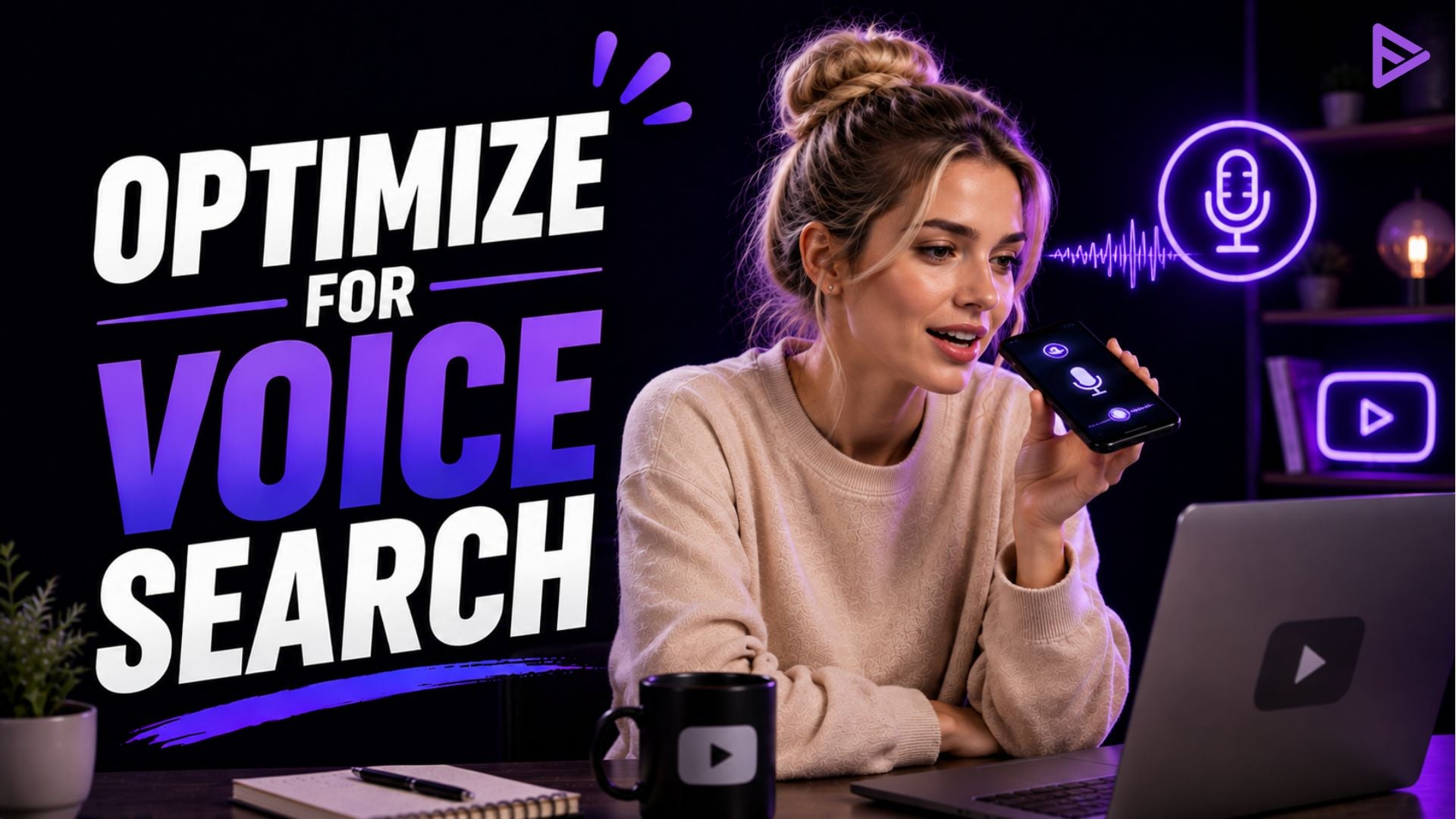
- Voice search YouTube optimisation is non-negotiable for creators today. It involves strategically optimising your video content so it appears prominently in voice searches.
- Core strategies include optimising video descriptions, content, relevant tags, and titles.
- Post-optimisation tracking is also essential to maintain sustainable performance.
Optimising for voice search on YouTube is crucial for creators, as a large share of searches now shifts to voice. You can use several strategies, including optimising metadata, using relevant tags, optimising video descriptions, and optimising content for long-tail queries. Other techniques include optimising subtitles and closed captions, incorporating keywords early, and focusing more on natural language searches.
Voice Search and Why It Matters for YouTube Creators
Voice search on YouTube is a growing trend you need to know about as a creator. In today’s fast-growing digital world, voice search is becoming a common way for people to find what they need online. It gives you a tremendous opportunity as a YouTube content creator to optimise your videos specifically for voice searches. This matters more since YouTube is the world’s second-biggest search engine, handling 3 million+ queries per month.
YouTube traffic is also expected to account for about 82% of overall internet traffic. Search trends are shifting more towards voice, with YouTube even rolling out its voice-enabled search engine within the app. Voice search lets users speak directly into devices for web searches, making queries more conversational. For example, rather than “best Spanish restaurant,” a voice search could be: “What is the best Spanish restaurant near me?”
Here are some of the key parameters to help you understand voice search.
|
Key Aspects
|
What to Note
|
|
Higher Popularity
|
The rise of devices like Google Home and Amazon Echo, along with smartphones that have voice capabilities have led to more voice searches every year
|
|
Long-Tail Keywords
|
Voice searches mostly contain long-tail keywords that are more specific by nature
|
|
Better User Experiences
|
Voice search YouTube optimization can enhance user experiences and overall accessibility, leading to higher engagement
|
|
Usual User Queries
|
|
Voice Search YouTube Optimization Strategies
You can optimise for voice searches in several ways, including renaming video files with keywords, optimising video descriptions, using tags, and focusing on long-tail queries. Here is a closer look at some strategies for optimising videos for voice search.
- Rename Video Files with Target Keywords: The algorithm heavily depends on metadata, where the search engine checks the file name. Insert the focus keyword in the video title after researching and before uploading.
- Video description: Use 1-2 strategic keywords in the first 100 characters, including the main keyword in the first 25 characters. Aim for at least 250 words, including keywords about 2-4 times.
- Use relevant tags: Make sure your first tag is the specific keyword you want to rank for. Also, aim for 5-8 additional video tags that include focused and broad keywords that accurately describe your video topic.
- Optimising content for queries and long-tail keywords: Write titles matching spoken phrases. Integrate long-tail phrases in your descriptions/titles.
- Optimising closed captions and subtitles: Google indexes closed captions, and subtitles may increase viewership.
- Custom Thumbnail Images: Choose your thumbnail image strategically, and add text to provide more information. It’s the first thing viewers see before the video begins playing.
- Make playlists: Help your users stay engaged by creating playlists with related content. Build a playlist of relevant categories and topics, including about 4-6 videos.
- Choose the right video length: The optimal video length may be less than 15 minutes. Algorithms often track retention rates based on viewership. As a result, shorter videos under 12 minutes may rank lower in search engine results pages (SERPs).
- Focus on natural language: This helps you improve YouTube videos for voice search by including questions and phrases that reflect how people speak. So, rather than best food vlogs, consider what the best food vlogs to watch are.
- Find long-tail keywords: Use the Google Keyword Planner, SEMrush, and other tools to find long-tail keywords catering to common voice queries.
Ongoing Practices to Rank Higher for YouTube Voice Searches
Ongoing practices help ensure consistent voice search YouTube optimisation and higher visibility. You can work with professional YouTube services platforms like VeeFly for the best optimisation in this case. Optimise for snippets, format content strategically, provide transcripts, and enable subtitles. Here is a detailed guide:
|
Practice
|
Actionable Steps
|
|
Optimizing for snippets
|
Make your video address a particular query at the beginning, since snippets are pulled from the same
|
|
Content Formatting
|
Use bullets, lists, and concise sentences in video text explainers
|
|
Enable subtitles
|
Automatically generated subtitles may help viewers only depending on voice searches
|
|
Offer a transcript
|
Include a transcript in the description portion, capturing voice searches referencing particular sentences/phrases
|
Continuous Post-Optimization Tracking Matters
After voice search YouTube optimisation, continuous tracking is essential. Use YouTube Analytics to evaluate performance. Monitor views, audience retention rates, and watch time to see which strategies deliver the best results.
Final Thoughts
Use the insights to improve your content. Focus more on topics and themes that actively engage your target audience. By understanding intent, utilising conversational keywords, and creating engaging videos, you can boost your visibility in YouTube voice searches over time.
Frequently Asked Questions
Q1. Does voice search optimisation matter for YouTube?
Yes, optimising for voice searches on YouTube is non-negotiable for creators today, with many people shifting to these search methods.
Q2. Which are some tools for long-tail keyword research?
Some tools you can use include the Google Keyword Planner, SEMrush, and Ahrefs.
Q3. How is voice search different from typing on YouTube?
People mostly use full sentences and questions instead of short keywords for voice searches.
Q4. Which video elements should have conversational keywords?
These elements include the video title, description, and closed captions/transcriptions.
