


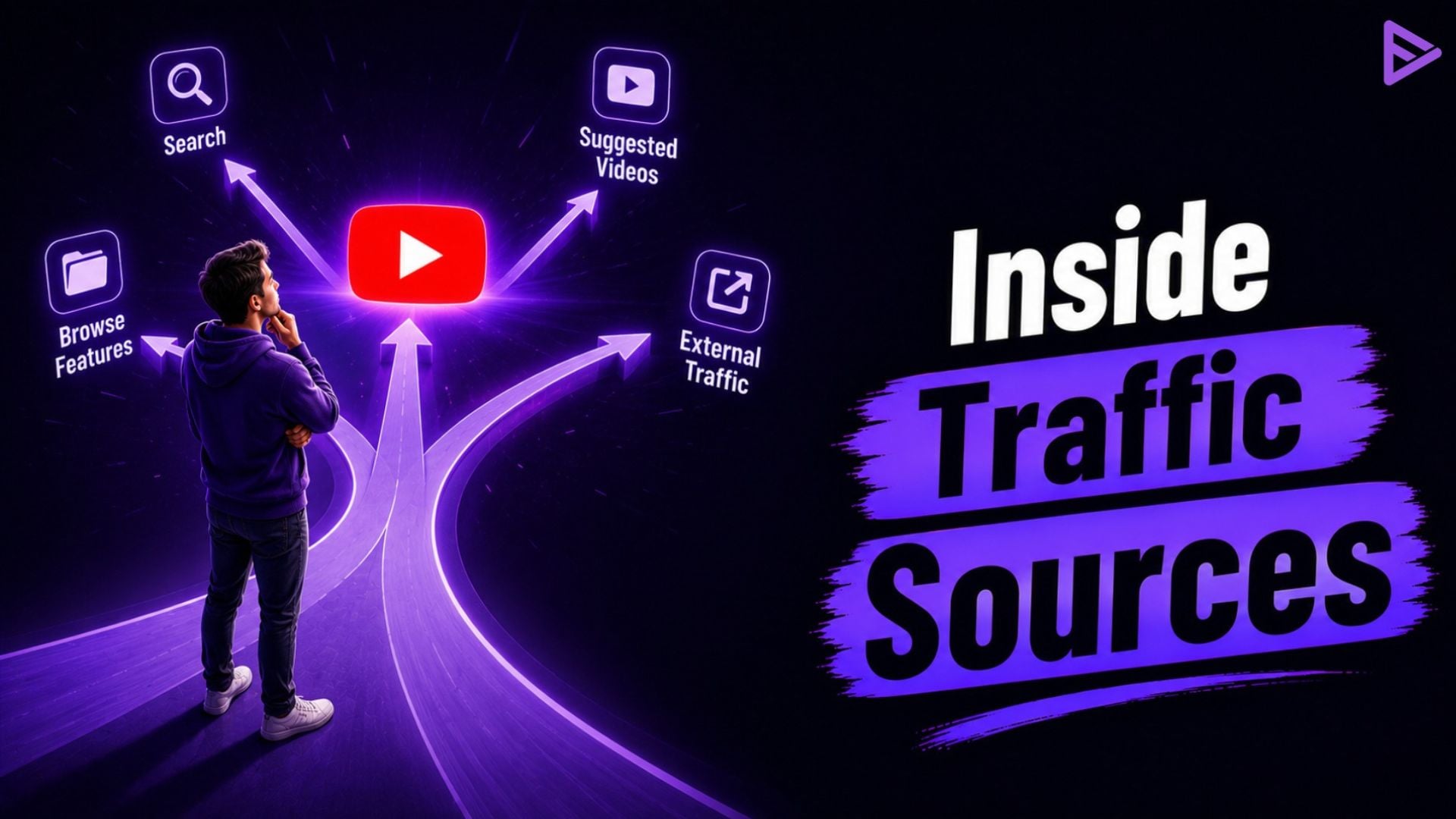
Key Takeaways
- Browse Features originate from the homepage and subscription feed.
- YouTube Search is a type of keyword-based discovery.
- Suggested Videos appear next to or after other videos.
- External traffic arrives from websites, social platforms, and embeds.
- A good cognitive-source mix leads to more sustainable growth.
- Check the Reach or Content tab in YouTube Studio for the full breakdown.
YouTube traffic sources reveal where views originate, from Browse Features and Suggested Videos to YouTube search traffic and external referrals. Each source offers a different insight into viewer intent, algorithmic discovery, and content performance. Reviewing YouTube traffic analytics helps creators identify shifts in audience behavior, refine titles and thumbnails, and build a more balanced strategy for sustainable channel growth.
YouTube Traffic Sources Explained for Creators
YouTube Studio details every view by traffic source so creators can better understand how viewers actually locate videos. The main categories of traffic sources are Browse Features, YouTube Search, Suggested Videos, and External. When you read these numbers, they tell you whether the algorithm is promoting content, whether search is functioning, or whether external referrals are bringing you results.
What Are The Primary Sources Of Traffic On YouTube?
YouTube traffic sources categorize views according to the exact location where a viewer clicked on or was shown a video. YouTube Studio lists them under Analytics so creators can see the percentage each source contributes. Browse features, suggested videos, YouTube Search and External are usually the four largest.
Smaller traffic sources include Channel pages, Playlists, Notifications and Direct or unknown. Each one acts differently and thus requires a different optimization strategy. When you check the distribution, you can see what works now weekly. Checking the breakdown every week reveals which strategy is currently working.
What Does Browse Features Mean in YouTube Analytics?
Browse features include views on the YouTube homepage, subscriptions feed, and other browse surfaces. The algorithm makes these selections for users who are just launching the app or site and not entering a search term. Strong Browse Features traffic signals that packaging and retention are on a winning track algorithmically.
High numbers here are often present in channels with a stable content output that keeps their audience satisfied. A low Browse Features can indicate that the algorithm still doesn’t know if it can trust the content. Improving thumbnails & early retention generally grow this source.
How Does YouTube Search Traffic Work?
YouTube search traffic comes from people viewing a video after conducting a search on YouTube and clicking on it from the search results. This entry point indicates high intent. The viewers know what they want already, and they are more likely to stay longer if the title and content are relevant to the query.
Creators can drill down further within the Search report to be shown the exact terms that led to views. Ranking for helpful keywords generates consistent, predictable traffic over time. Good search visibility is particularly important for new channels that are still establishing algorithmic reach.
What Are Suggested Videos in Traffic Types?
Suggested Videos traffic comes from the sidebar recommendations, the Up Next slot, and end-screen links while a viewer is already watching something else. YouTube appears to be selecting these on the basis of related topics and recent co-viewing with you. This source sometimes grows over time when a channel has related content that people watch sequentially.
Videos that have strong become-when-watching results with other videos in the same category are more likely to get additional Suggested placements. Doing series or follow-up content can help build this path. It is one of the ways that channels go beyond their current audience.
Where Does External Traffic Show in Analytics?
External traffic includes every view that starts outside YouTube. Typical examples include social media links, blog or website embeds, Google Search, email newsletters, and messaging applications. This source is useful for launches and campaigns but usually forms a smaller share of total views for most channels.
Tapping on External reveals the particular website(s) or platform that directed the traffic. Quality external traffic can still indicate good engagement if those visitors stick around and watch. But overreliance on that out of your hands would make a channel dependent on platforms outside YouTube’s control.
Comparison of Key Traffic Sources
Every view doesn’t come from the same place, and every source of traffic tells you something different about how your channel is doing. Looking at these sources gives you a better idea of how people find your videos and which areas you should focus your optimization efforts on.
| Traffic Source | Where Viewers Find the Video | What It Usually Signals | Typical Share on Growing Channels |
| Browse Features | Home page, Subscriptions feed | Algorithmic push and packaging strength | 25–40% |
| YouTube Search | Search results page | Keyword relevance and intent | 15–30% |
| Suggested Videos | Sidebar, Up Next, end screens | Topic similarity and session extension | 15–25% |
| External | Social, websites, embeds, Google | Outside promotion and links | 5–15% |
YouTube analytics traffic sources are more visible when divided like this. You don’t want to let a single source dominate forever. Balance enables steadier growth.
How to Effectively Use YouTube Traffic Analytics?
YouTube traffic analytics can be found in YouTube Studio under the Analytics section. Content or Reach tab, scroll down to the traffic sources card/view content or reach tab, down to the traffic sources map. Click See More to view the full list and the percentages. Change the date range to view how you are doing recently compared to earlier.
“Traffic sources tell you how viewers discovered your content. Understanding where your audience comes from helps you make better decisions about titles, thumbnails, and future videos.”
— Todd Beaupré, Senior Director of Growth & Discovery, YouTube
Watch for abrupt changes. When Search is steady but there is a sudden drop in Browse Features, that indicates a packaging or retention issue more than a keyword issue. Increasing Suggested traffic typically indicates the algorithm is beginning to successfully match videos to similar content. Check the numbers weekly, and change titles, thumbnails, or subjects as needed based on what the data is telling you.
Final Thoughts
Knowing YouTube traffic sources turns raw view counts into actionable direction. Browse Features represents algorithmic confidence. YouTube search traffic reveals intent and SEO strength. Suggested Videos indicate topic connections. External traffic is a result of external efforts. Staying on top of these regularly inside Studio keeps your strategy grounded in what your actual viewers do.
After seeing the latest breakdown, adjust your next batch of titles and thumbnails accordingly. If you’re a creator looking for additional support to boost your visibility, you can also check out the compliant promotion options in the VeeFly dashboard.
Frequently Asked Questions
Q1. Where is the traffic source information in YouTube Studio?
Navigate to Analytics and click the Content or Reach tab. Scroll down to how viewers are finding your videos (or Traffic sources) and click See more.
Q2. Is Browse Features better than Search?
Neither is inherently better. Browse Features offers more discovery. Search brings higher-intent viewers. Most channels do well with a bit of both.
Q3. What is a healthy mix of traffic sources?
Many growing channels aim for roughly 25–40% Browse Features, 15–30% Search, 15–25% Suggested, and smaller shares from External and other sources.
Q4. Is it possible for traffic sources to vary as time goes on?
Yes. New channels often lean on Search. Established channels tend to get more Browse Features and Suggested traffic as the algorithm gains trust.
