


Key Takeaways
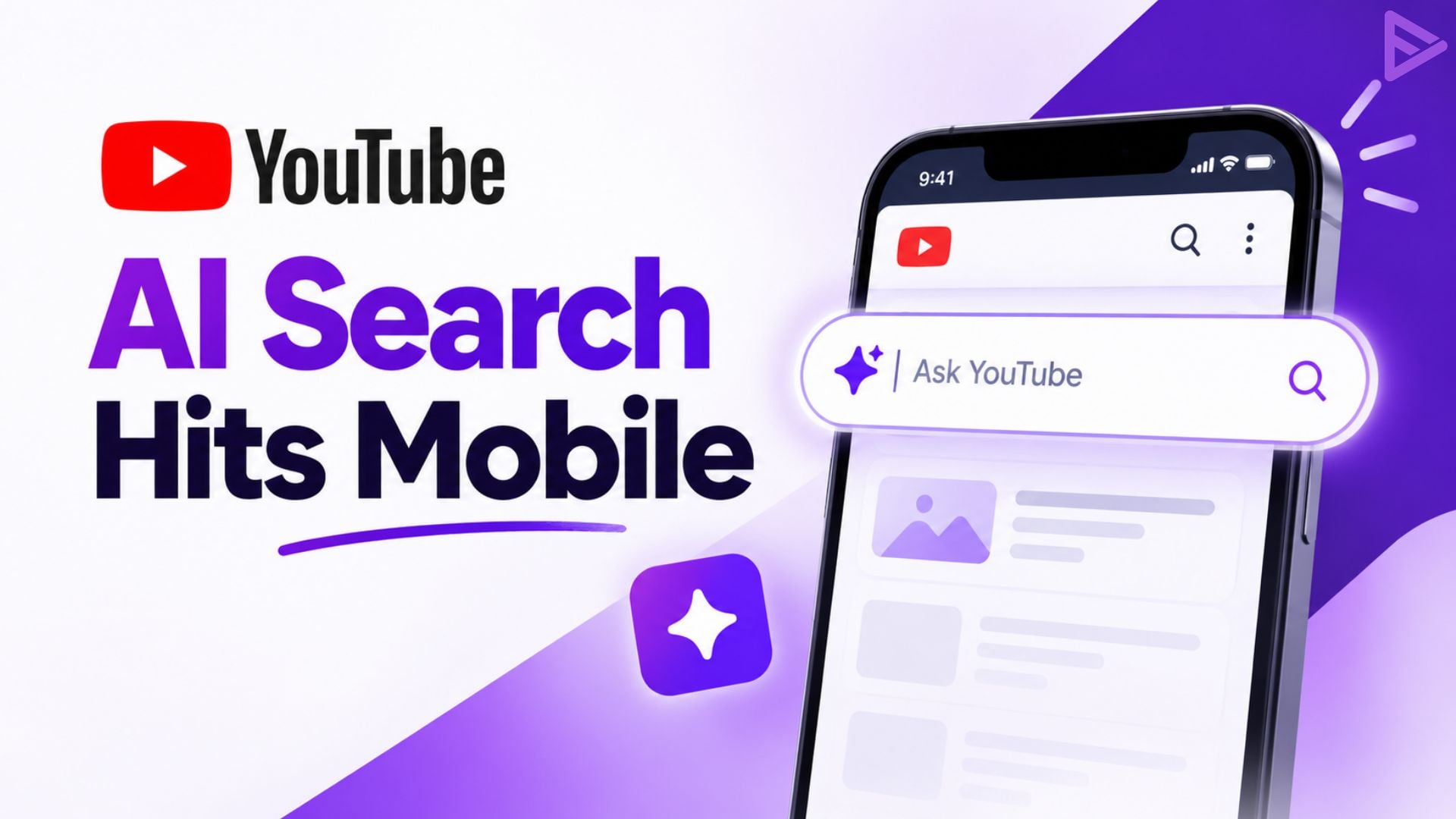
- Ask YouTube is now on mobile, so U.S. viewers can use it across the web, mobile, and TVs
- You can ask complex questions, get interactive results, and narrow them down with follow-ups.
- Voice commands work, including from the couch on a TV.
- The watch page version will soon work while you watch Shorts and live streams.
- The announcement only mentions U.S. viewers and gives no date for other countries.
What Is Ask YouTube?
Ask YouTube is a conversational search tool. Instead of typing a few keywords and scrolling through results, you ask a full question and get answers in an interactive format. If the first set of results isn’t quite right, you ask a follow-up to refine it.
YouTube first announced it at Google I/O, then launched it on search to help viewers reach the right video faster. Emily Moxley, VP of Product Management for Viewer AI, shared the mobile rollout in a YouTube blog post on October 12, 2026.
Ask YouTube on Mobile: What’s New
With the mobile launch, the feature now covers web, mobile, and TVs for viewers in the U.S. YouTube says it works whether you’re on the go or using voice commands from the couch.
The company shared a few early examples of how people are using it. Some asked how to make their own Halloween costumes, others dug into video essays, and some debated whether to cut their own bangs. These are open-ended questions, the kind that are hard to squeeze into a short keyword search.
Ask YouTube on the Watch Page: Shorts and Live Streams Next
A separate version of Ask YouTube on the watch page launched last year, and YouTube added the feature to TVs earlier in 2026.
That version is now expanding. Soon, viewers will be able to use Ask YouTube directly from the watch page while watching Shorts and live streams, getting instant context as the action unfolds. YouTube hasn’t given a date for this rollout.
What This Means for Creators
YouTube hasn’t explained how Ask YouTube picks which videos to show, so this part is our read, not confirmed fact. When people search with full questions, a video that clearly answers one is probably easier to match. That puts weight on plain titles and descriptions that say exactly what the video covers.
If you want to tighten up those basics, VeeFly has two posts worth a look. One explains how description generators can shape your content strategy, and the other covers how a script generator can help you plan and write videos faster.
Final Thoughts
Ask YouTube changes how you phrase a search more than what you search for. Asking a question and following up on the answer is a different habit from scanning a page of results, and phones make it easy to try. The Shorts and live stream expansion is the part to watch, since it moves the tool from helping you find videos to explaining them while you watch.
For now it’s U.S. only. If you’re a creator elsewhere, the same advice holds: make each video easy to describe in one clear sentence.
