


Key Takeaways
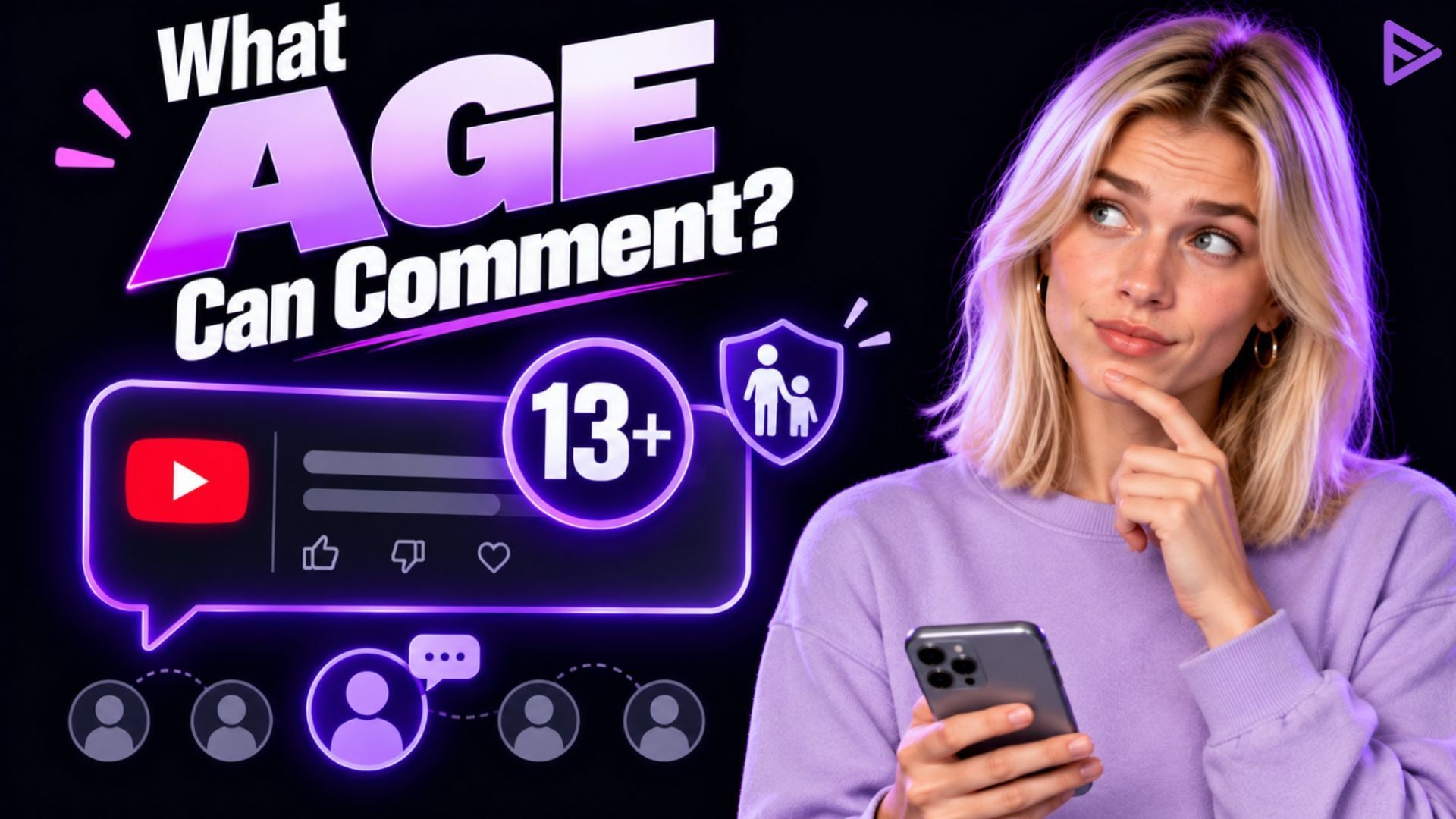
- The standard accounts require users to be 13+ to write YouTube comments.
- YouTube Kids and Made for Kids videos have comments turned off entirely.
- Parents can turn off comment visibility through Family Link Settings.
- YouTube creators must turn off comments on content marked as Made for Kids.
- Age requirements vary slightly due to local privacy laws.
What age can use comment on YouTube? Viewers must be at least 13 years old to create a regular Google account. Children under the age of 13 may use supervised accounts with restrictions. The under-13 age group is barred from commenting, but they may read YouTube comments. A regular supervised account for children between 13 and 17 years old also allows them to write and read comments on YouTube.
What Are YouTube Age Commenting Rules?
YouTube creators need to keep the minimum age for posting comments in mind. Here’s a basic rundown:
- Viewers must be at least 13 years old to create a standard Google account. This is the YouTube comment age limit.
- Children under 13 must use supervised accounts with restrictions.
- YouTube Kids is a better-suited platform that strips out comments, live chat, and direct social features.
- On YouTube’s main platform, Made for Kids, the same rules as YouTube Kids apply.
- Under-13 users can’t write comments, but they can read comments on YouTube.
- A standard and supervised account for the 13-17 age group can write and read comments on YouTube.
How Supervised YouTube Age Commenting Affects Creators?
YouTube’s 13+ rule stems largely from COPPA, the U.S. law that restricts how companies collect data. While it may differ from region to region, it’s important to get a fair understanding of how it works for YouTube creators directly:
1)Reduced Commenting and Engagement: When younger viewers use suspended accounts, their ability to comment is heavily limited, resulting in fewer audience members. It directly affects creators since engagement levels drop. Further, weaker community building reduces audience retention and weakens viewer loyalty. If your niche is family-friendly entertainment or teen-focused, it may affect you most.
2) Monetization: When YouTube identifies users as minors, it often turns off personalised ads for those viewers. This can lead to lower revenue and more unpredictable earnings. Channels with a large under-18 audience may see noticeable changes in income. For creators, it’s best to get the answer to what age can use comments on YouTube; for creators whose content primarily attracts younger viewers, this can be a major financial change.
3)Algorithm and Growth Impact: With the YouTube algorithm change, it heavily weighs on engagement signals, and when commenting, it may reduce the videos ability to receive recommendation boosts, the channel may grow slowly, and small creators may feel the impact more than established influencers, since they rely more heavily on community interaction.
4)Transparency: Some creators whose niche is heavily dependent on viewers. They may have limited clarity about why certain features are restricted and will struggle to appeal age-related decisions made by the platform. When restrictions feel unpredictable, creators may hesitate to experiment with content themes, which could trigger even stricter limitations.
5)Safe viewing: Despite the challenges, YouTube’s age restriction comments policies are designed to reduce the exposure of minors to inappropriate interactions, with limited toxic behaviour. From a platform perspective, the goal is to create a safer digital environment for younger users. The channel becomes a safe space for parents to allow creators to share videos.
Best Practices for Managing YouTube Age-Limited Comments
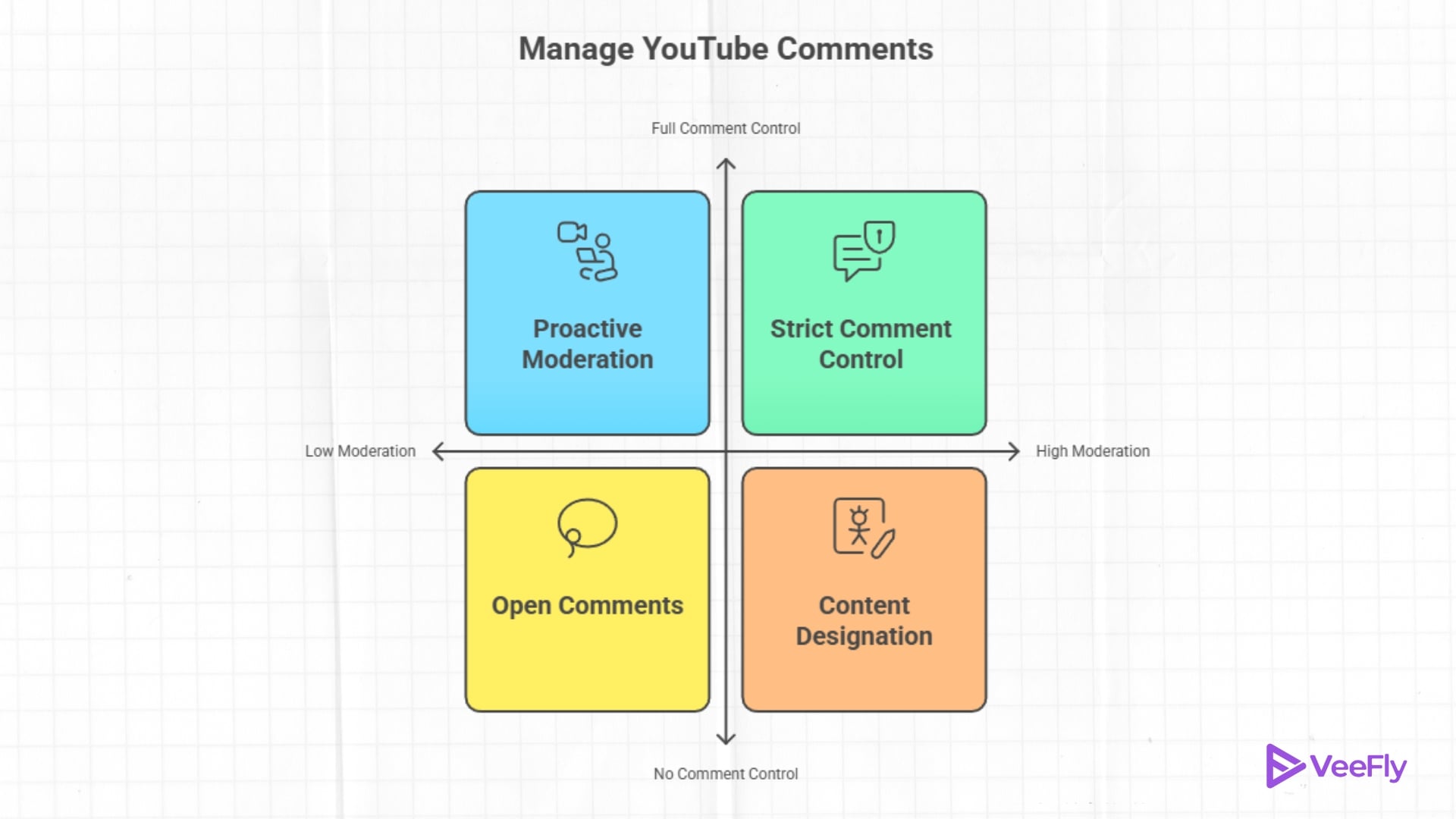
YouTube creators who make content appealing to children face specific compliance requirements related to YouTube age-restricted comments. Getting them wrong can mean the channel is headed for demonetization. Here’s what you can do to safeguard it:
1)Mark “Made for Kids’ content properly: YouTube requires creators to design videos that primarily target children. This designation automatically turns off comments, live chat, and personalised ads. Mismarking content triggers penalties and, in some cases, channel takedowns.
2)Turn Off Comments: If your videos attract mixed-age audiences and comments tend to be harmful to a younger viewer, for YouTube comment age limit you can protect them by disabling the comment section.
3)Moderation Tool: The YouTube Studio dashboard offers blocked words and lists that will help filter out content. You can also hire a moderator to approve and review your comments on channels and live streams. It provides a way to use the comment section without turning it off.
4)Add Community Guidelines Reminder: A brief note in your YouTube video’s description, setting expectations for respectful discussion, can shape comment section behaviour before problems start.
5)Modify Content: Avoid profanities and words that are not age-appropriate. Sometimes it’s best to keep the content clean to stay in compliance with YouTube’s guidelines.
Final Thoughts
Supervised YouTube’s age-commenting policies reflected a broader shift toward stronger child safety and privacy protections on digital platforms. At the same time, these changes are designed to create a safer environment. In the end, supervised age policies are not inherently negative for creators, as they represent the new age of YouTube. Creators who abide by the new guidelines can make the most of the platform. As YouTube’s policies continue to evolve, creators should stay updated on the rules that affect their channels. You can also check the YouTube monetization requirements to understand what you need to qualify.
Frequently Asked Questions
Q1.Can Kids comment on private or unlisted videos?
No, YouTube comment permissions depend on account type, not video visibility. A supervised account user still cannot post comments on private or unlisted content.
Q2.Does disabling comments hurt my video’s performance?
YouTube has stated that comment count does not directly factor into the recommendations algorithm; videos with comments off can still perform well based on watch time and engagement signals.
Q3.What happens to existing comments if I mark a video as made for kids?
Previous comments are hidden from public view; they aren’t permanently deleted, but viewers can no longer interact with them.
Q4.Can a supervised account user like comments instead of posting?
Yes, Users under 13 on supervised accounts cannot like, reply, or post.
Q5.Why does my teen’s account still restrict live chat?
YouTube turns off many features for teen accounts. Either the parent or the teen must manually enable live chat in the account settings.