


TL;DR: What Does Unlisted Mean on YouTube-Quick Summary
- An unlisted video does not appear in search results, home recommendations, or on a YouTube channel publicly.
- Unlisted YouTube videos’ limited access can help you test videos easily.
- To create an unlisted video, upload your video to YouTube Studio.
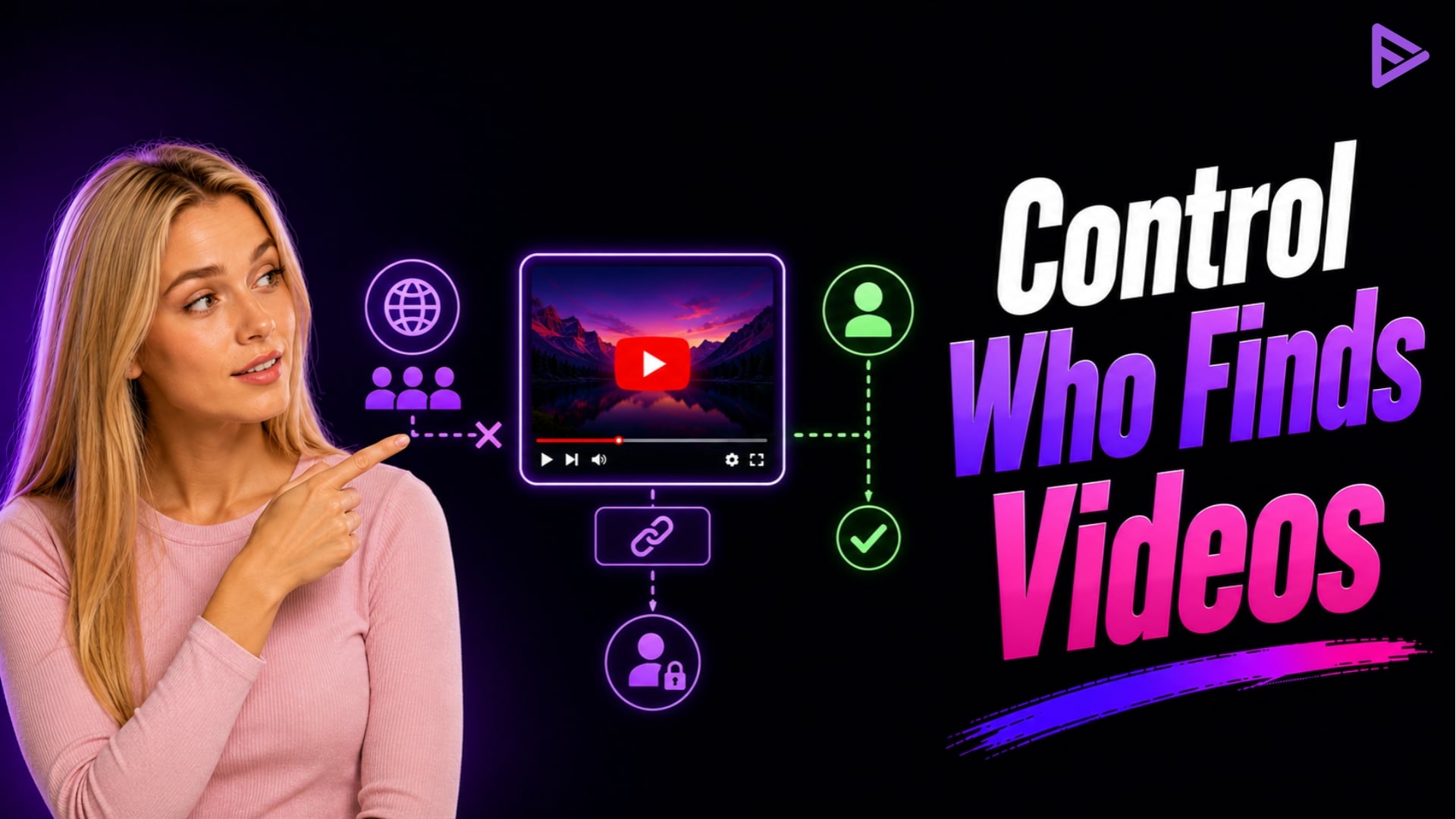
Unlisted YouTube videos aren’t shown in YouTube search results, home recommendations, or channel feeds, but anyone with the direct link can view them. This gives creators a flexible, controlled sharing option without public exposure.
What Does Unlisted Mean on YouTube?
An Unlisted YouTube video is a content status that prevents your video from appearing in public search results, public user feeds, and your channel page, but allows access through a shareable link. What is an unlisted YouTube video used for? Creators can post videos privately to subscribers or post them publicly and restrict access to subscribers.
Why Creators Choose Unlisted Videos?
Creators commonly use unlisted YouTube videos for the following reasons:
- Controlled Sharing: Instead of exposing it to everyone, you can limit access to the people you want.
- Content Testing: Unlisted videos don’t affect your channel metrics, so you can test videos easily.
- Client Use: Unlisted videos provide convenience, privacy, and control without the pressure of public release.
- Website Embedding: You can embed videos on landing pages without showing your channel.
YouTube Video Visibility Settings Compared
Choosing the right visibility setting depends on whether you want discovery, restricted link sharing, or strict account-level permissions.
| Visibility Setting | Appears in Search & Feeds | Who Can Watch? | Requires a Google Account? |
| Public | Yes | Anyone | No |
| Unlisted | No | Anyone with the direct link | No |
| Private | No | Only specifically invited Google accounts | Yes |
How to Make a Video Unlisted on YouTube? (Step-by-Step)
To make a video unlisted, navigate to YouTube Studio and change the visibility settings during upload or in your existing content list. This instantly updates the video’s indexability across YouTube. Here is the exact process for new and existing uploads.
Uploading a New Video as Unlisted
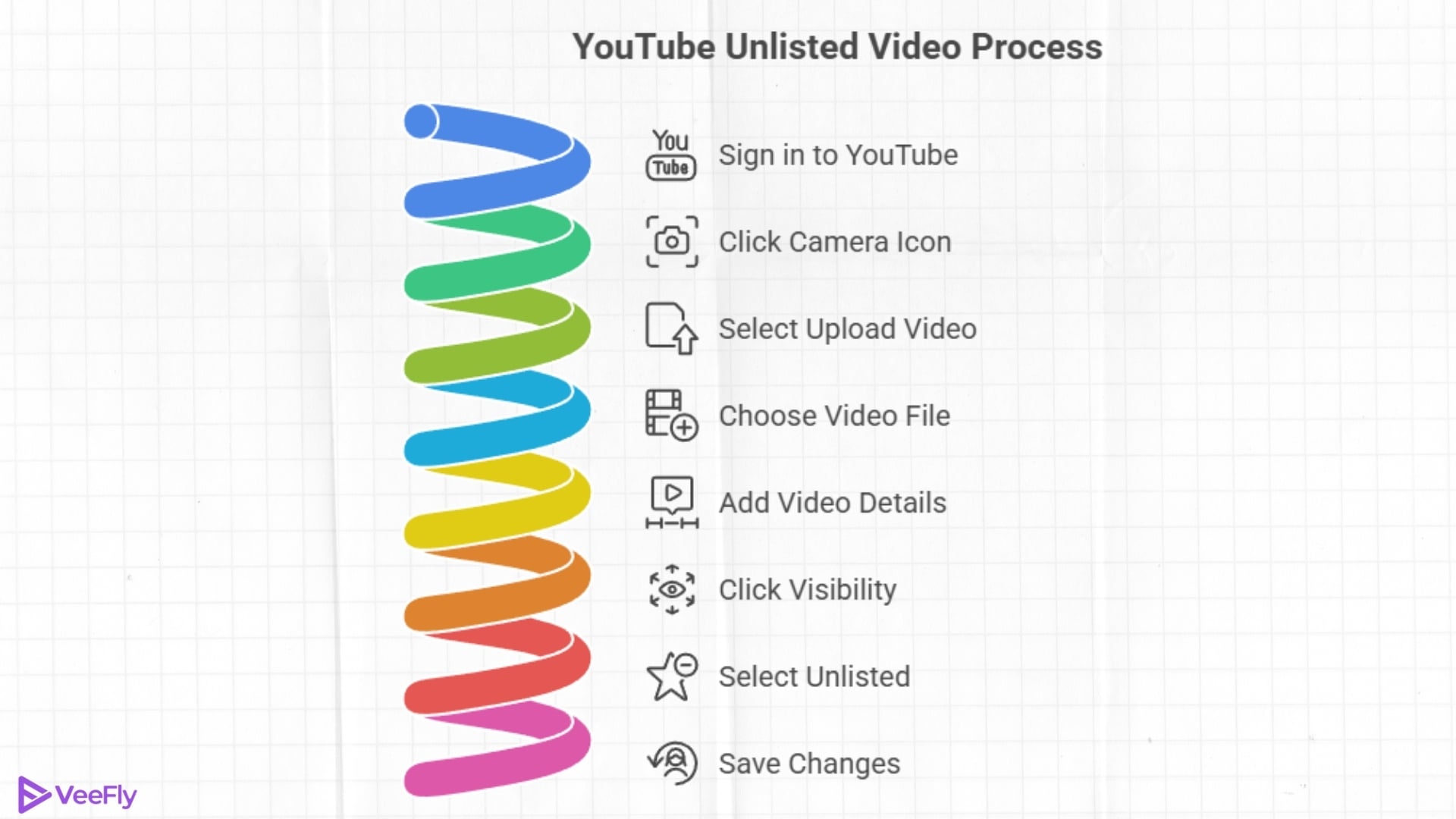
- Sign in to your YouTube account.
- Click on the ‘Camera-like icon’ on the right side of the search bar.
- Select ‘Upload video.’
- Click on ‘Select files.’
- Choose the video file and drop the video.
- Add the video title, description, and tags, and click on ‘Visibility.’
- Click on ‘Unlisted.’
- Save the changes
Changing an Existing YouTube Video From Public to Unlisted?
If you want to unlist your live video, follow these simple steps:
- Sign in to YouTube Studio using your YouTube account.
- Find the Content Tab or the Video Tab
- Locate the video you want to unlist
- Head to the search bar
- Click the visibility setting
- Change the video from Public to Unlisted
- Save your changes
How to Share an Unlisted YouTube Video?
You can share your unlisted videos with people through a direct link. Follow the steps below:
- Go to YouTube Studio.
- Open the Videos section.
- Filter out the unlisted Videos.
- Hover over the desired video, and click the three dots.
- A dropdown will appear, select Get shareable link.
Important Note: Anyone with the link can reshare it, so share the unlisted videos with people you trust.
How to Find Unlisted YouTube Videos?
Learning how to find unlisted YouTube videos depends on whether you own the channel or are looking for external content. Channel owners can filter their content inside YouTube Studio, while viewers must rely on direct links, external embeds, or specialized databases. To view unlisted videos on YouTube, you need to know these access points.
View Your Own unlisted YouTube videos
- Firstly, sign in to your YouTube Account.
- Go to YouTube Studio. (Navigate to the Top-right corner and click the profile icon.
- On the left menu, select Videos.
- Use the Filter to see Unlisted videos from public, private, and unlisted videos.
The list will show all videos from your channel, including unlisted videos, while filtering out public or private videos.
Find Other People’s Unlisted YouTube Videos
You can find other people’s unlisted videos if the creator has shared it somewhere. Common ways to include them:
How to Download an Unlisted YouTube Video?
If you have lost your YouTube videos or want to make changes, you can easily retrieve them by downloading them from YouTube Studio. Follow the steps below:
- Go to YouTube Studio.
- Open the Videos section.
- Filter out the Unlisted Videos.
- Hover over the video you want and click the three dots.
- A dropdown will appear; select Download.
If you want to download unlisted videos of other uploaders. You can simply download using third-party apps or extensions. Make sure you have a direct link. Downloading unauthorized videos will result in a violation of YouTube’s privacy policies.
Can You Monetize Unlisted YouTube Videos?
Yes, you can monetise unlisted YouTube videos via the YouTube Partner Program, as long as you stay within advertiser-friendly rules. Still, your ad earnings are usually capped because the only real reach comes from people with the exact link, not from the usual algorithmic surfacing.
- Unlisted videos can display ads provided the YouTube Partner Program approves them.
- Revenue depends on views, so only people with the link who can earn ad revenue will see it.
- Unlisted videos don’t appear in search results, so you need to make sure they have enough views.
Final Thoughts
Unlisted videos on YouTube give creators a flexible way to share content in a controlled manner. Creators can easily switch a video’s status to public, private, or unlisted depending on their target audience. If you want expert optimisation or promotion strategies before launching publicly, partnering with growth specialists like VeeFly can accelerate your reach.
Frequently Asked Questions?
Q1. What happens if a video is unlisted on YouTube?
An unlisted YouTube video will not appear in search results or be recommended to viewers. The unlisted video will only be visible to people who have the link.
Q2. Do unlisted YouTube videos affect the algorithm?
No, Unlisted videos do not influence the YouTube algorithm in the same way public videos do because they don’t appear in search results or public feeds. However, watch time accumulated on unlisted videos converts to public watch time if later set to public.
Q3. What is the difference between unlisted and private on YouTube?
Anyone with the link can view unlisted videos, whereas private videos are visible only to people with access.
Q4. Do unlisted YouTube videos get deleted?
An unlisted YouTube video can get deleted if it violates the policy guidelines or contains copyrighted content. However, unlisted videos created prior to 2017 were set to private in a 2021 security update unless creators opted out.
