



Key Takeaways:
- Discover high-search-volume keywords and under-optimised “content gaps” from actual viewer activity.
- Identify video ideas at the start of the process, based on viewer search behaviour, not by making educated guesses on the platform.
- Use audience search data with title A/B testing to improve video CTRs.
- Use competitor keyword trends to identify new topics before they get saturated.
The Research tab in YouTube Analytics is a valuable tool for creators to gain insights into search-term trends, audience interests, and even content gaps. By leveraging viewers’ search behaviours and low-competition queries, creators can systematically create data-driven titles, thumbnails, and topics to improve click-through rates (CTR) and channel visibility.
Understanding the YouTube Research Tab
A feature inside YouTube Studio that helps YouTubers discover audience preferences, current trends, and focused keywords. It helps you find ideas that can increase views on YouTube. It’s in YouTube Studio and is ideal for fresh ideation.
You can optimise video titles for better reach. Further, you can look for search terms that rank well. The YouTube Research Button is like your assistant for brainstorming ideas and creating videos that people actually want to watch.
- Search Across YouTube: Identify the universal search terms, search volume and gaps in specific content.
- Your Viewers’ Searches: Discover what exactly your loyal viewers and subscribers are searching for.
- Saved Topics: Create a well-structured content pipeline with high-potential keywords.
How to Best Use the YouTube Research Tab for Content Ideas?
Using the YouTube Research tab is a skill every researcher should master, and it requires the ability to filter information in global search to find high-demand, low-supply content opportunities systematically. Creators use these metrics to build targeted upload schedules.
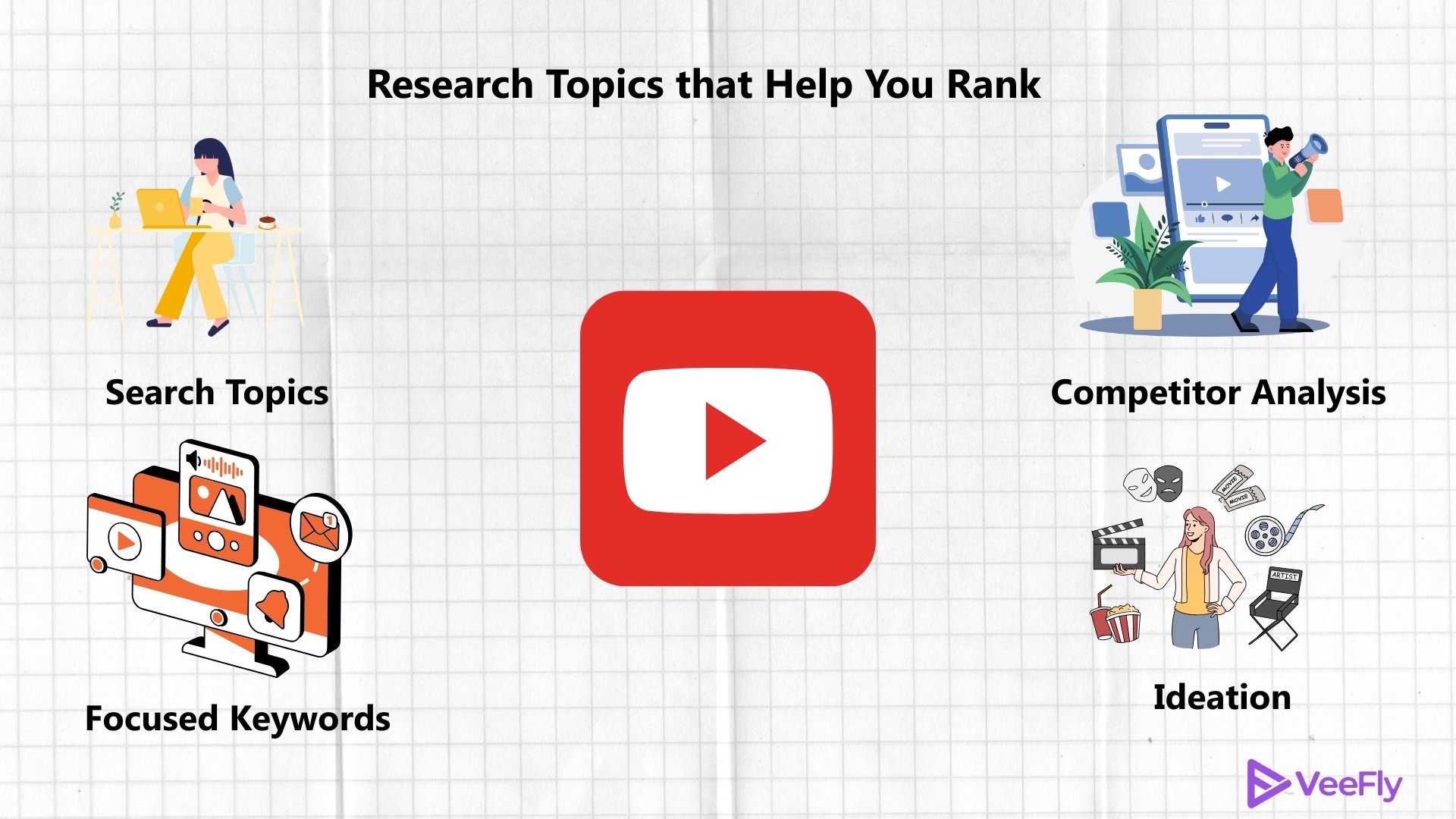
Trending Topics
Go to the YouTube research tab, type in a niche keyword and narrow down the results by “Content Gaps Only”. A content gap is a situation where no video meets the criteria of relevance, quality, or recentness for a given search term. Filling these gaps can make a huge difference to the discoverability of organic content.
Popular Keyword
It is one of the most sought-after features in the Research Tab, YouTube keyword exploration. With one search of your topic, the related terms will appear. It also provides keyword insights and a list of trending search terms. It is your roadmap to creating videos that have a better chance of ranking in search results.
Analyzing Competitors
Look at the queries in “Your Viewers’ Searches” to see what their second interests are. When viewers actively search for topics outside your core area, making videos on these tangential topics keeps them engaged and boosts watch time.
| Feature / Metric | Primary Purpose | Growth Impact |
| Searches Across YouTube | Comprehensive keyword & demand research. | High top-of-funnel reach |
| Content Gap Filter | Recognize unmet search needs. | Improved ranking & initial traction. |
| Your Viewers’ Searches | Analyze subscriber intent | Reduces churning & watch time loss |
| Search Volume Rating | Assess the level of demand for a query. | Optimizes metadata targeting |
Generate Ideas
You don’t always have to look for similar ideas; you can create your own. Let your unique perspective flow without being influenced by other creators. You can also repurpose your own content and update it to the latest standard.
How to Optimize Titles With the YouTube Research Tab?
Your YouTube video title is the entry to your video. Make sure it grabs attention so views can flood in. With the YouTube Research Tab, you can craft clever titles. Here’s how to optimise it;
- Early Target Keywords: When you discover trending search terms at the start of the video, it boosts Search Engine Optimisation.
- Clickable Titles: Avoid vague titles; this is not a social media caption. Promise value and spark curiosity.
- Combination of numbers and words: You can use phrases that are trending, create lists, and countdowns that help you rank
- Target Query A/B Testing: Use search terms from the Research tab with YouTube Studio’s A/B testing for titles to see how they perform in the real world.
- Concise: The less, the better. In short, if you can convey your topic quickly, it will help you perform better.
Final Thoughts
The YouTube research tab transforms raw search behaviour into actionable content strategies. Regularly finding gaps in search and optimising titles builds long-term authority. Once your content is fully optimised, strategic promotion via VeeFly can help amplify your reach and test your videos against broader target audiences.
Frequently Asked Questions
Q1) How do I use the YouTube Studio research tab for content ideas?
Once you head over to YouTube Studio, you can find the research tab that will help you explore trending topics.
Q2)What are YouTube research insights?
YouTube research insights show trending topics, competitor performance, high-ranking keywords, and YouTube search trends.
Q3)How can I look for topics on the research tab?
You can find content ideas by filtering out your topic and using the specifics of the niche and region
Q4) Can I use the research tab to analyze competitors?
The Research tab helps you analyze your competitors and view content similar to yours. Even the top-performing video in your niche is displayed.
Q5)Does the reach tab help with SEO?
The research tab can help you optimize a video by providing the keywords and trend data for tags.