


Key Takeaways
- An AI thumbnail typically takes 8-12 minutes start to finish, versus 2-3 hours for a fully manual design.
- AI tools cost roughly $0-30 a month, while manual work ranges from free (DIY) to $200 per thumbnail if outsourced.
- YouTube requires custom thumbnails to be under 2MB, in JPG, GIF, or PNG format, at 1280×720 resolution, regardless of which method creates them.
- Custom thumbnails require a verified YouTube account before they can be uploaded at all.
- A hybrid workflow, AI for the first draft and a manual pass for polish, tends to outperform either method used alone.
AI Thumbnails vs Manual Design: What Should YouTube Creators Use?
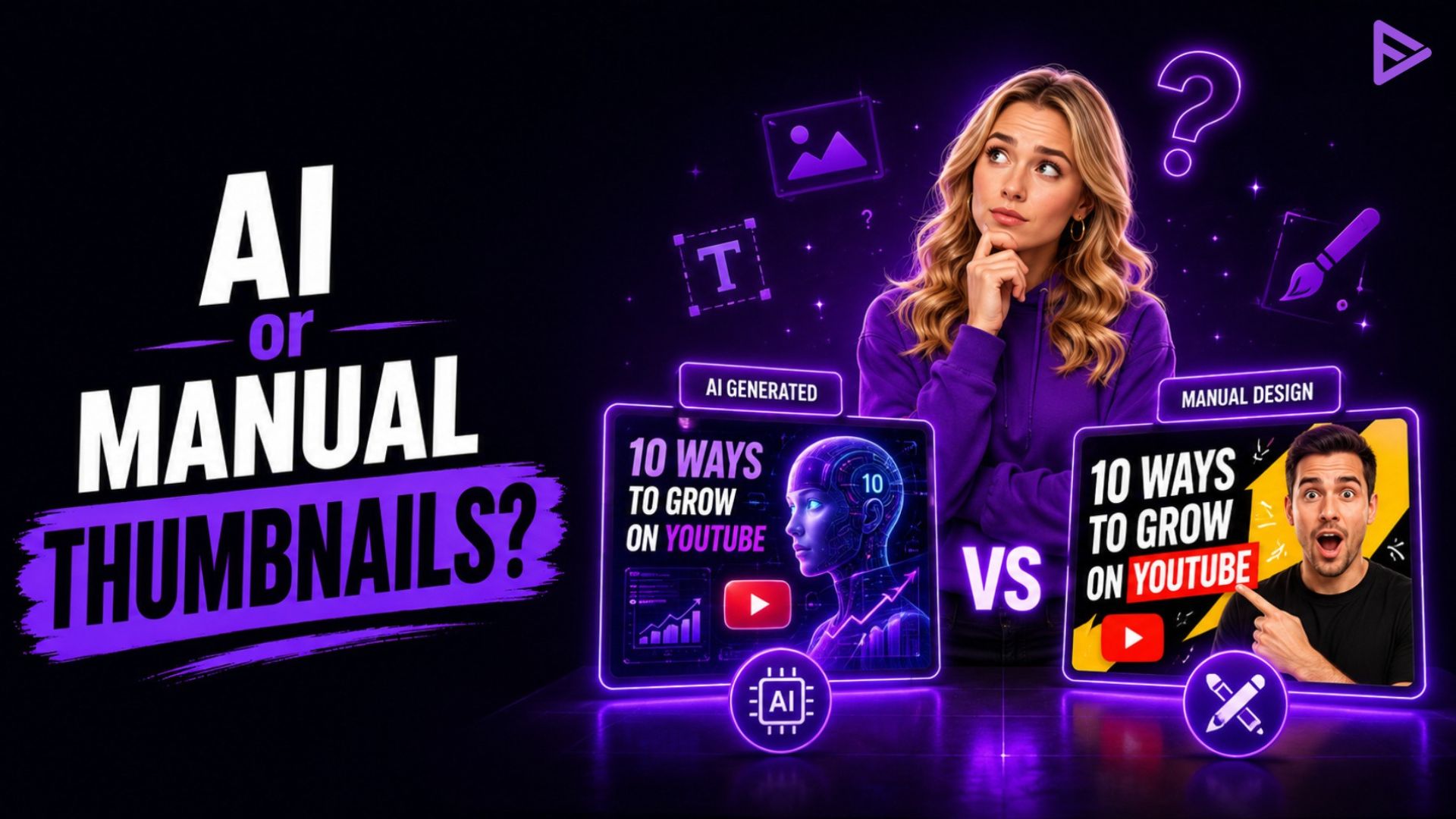
AI thumbnail tools work best for creators uploading often and testing ideas fast, while manual design suits channels with a strict brand style or the budget for a designer. Most creators land somewhere in between, generating options with an AI YouTube thumbnail tool and refining the best one by hand. Here’s how the two approaches actually compare.
How does AI Thumbnail Tools Work?
An AI YouTube thumbnail generator takes a prompt or a link to your video, then produces several design options in seconds. From there, most tools can:
- Add text overlays with automatic font matching
- Generate background images from a written prompt
- Apply style presets, like bold, minimal, or high-contrast
- Place face cutouts and other design elements automatically
The full process, from prompt to a finished export, usually takes about 8-12 minutes once you factor in reviewing options and making small edits. That’s a fraction of the 2-3 hours manual design typically takes, which is why AI has become the default starting point for creators posting several times a week.
How does Manual Thumbnail Design work?
Manual design means building a thumbnail from scratch in software like Photoshop, Canva, or GIMP, with full control over every element. This route takes longer to learn. Reaching a level where results consistently look professional typically takes 40-60 hours of practice, since it involves composition, color theory, and typography that reads clearly at a small size.
What manual design offers in return is control that an AI thumbnail tool can’t fully match: original photography, hand-drawn elements, and a style that’s entirely your own rather than shaped by a template.
How Do AI and Manual Thumbnails Actually Compare?
AI wins on speed and cost, while manual wins on brand control and creative freedom. The table below breaks down each factor side by side.
|
Factor |
AI Thumbnail |
Manual Thumbnail |
| Time per thumbnail | 8-12 minutes | 2-3 hours |
| Learning curve | Minimal | 40-60 hours to proficiency |
| Typical cost | $0-30/month | $0 (DIY) to $200/thumbnail (outsourced) |
| Brand consistency | Can drift between versions | Full control |
| Best fit | Frequent uploaders, fast testing | Brand-heavy or highly stylized channels |
For a creator uploading three videos a week, that time difference adds up to roughly half an hour with an AI thumbnail workflow versus 6-9 hours doing it all manually. That gap only grows for daily uploaders, which is a big part of why AI has become the default among high-frequency channels.
Where do AI Thumbnails Fall Short?
Some common issues with AI YouTube thumbnail tools are about lacking brand consistency, repetitive designs, and errors in text, faces, or visual elements:
- Style drift between generations, which can make a channel’s thumbnails look inconsistent over time
- Template repetition, since creators using the same tool can end up with a similar look
- Text or faces land in YouTube’s bottom-right duration badge zone if not manually checked
- Ownership questions, since AI tools are typically trained on large image datasets with unclear sourcing
None of these rules AI out. They’re just the reason most creators still give a finished thumbnail a quick manual check before publishing.
What Does a Hybrid Thumbnail Workflow Look Like?
A hybrid workflow means generating a batch of AI options, then refining the strongest one by hand. It’s the approach most creators land on eventually. A typical version looks like this:
- Generate 5-10 AI variations
- Pick the strongest concept
- Adjust text for readability and colors for brand match
- Add any logo or custom graphic elements
- Preview it at a small size before publishing, since most viewers see thumbnails on mobile
This usually takes 15-30 minutes, well under a fully manual design, while still giving you a final say on how the thumbnail actually looks.
Which Approach Fits Your Channel?
The right approach mostly comes down to how often you upload and how strict your brand needs to be. Here’s a rough guide based on upload frequency:
- Daily uploads (7+ per week): AI-first, manual becomes unsustainable at this pace
- Several uploads a week (3-6): Hybrid tends to work best
- Weekly uploads: The manual is realistic, though the hybrid still saves time
- Monthly or occasional uploads: Manual design for maximum quality and control
Brand maturity matters too. A newer channel still figuring out its look generally benefits more from AI’s speed and volume, while a channel with locked-in visual branding usually needs manual or hybrid work to protect that consistency. For creators who want their finished thumbnails to actually reach more people once they’re published, a promotion tool like VeeFly can help extend a video’s visibility beyond what packaging alone can do.
How Do You Test Which Thumbnail Actually Works?
YouTube’s built-in Test & Compare feature settles this by running up to three thumbnail versions against each other automatically. Whichever creation method you use, the tool shows each version to different viewers on eligible long-form videos and picks a winner based on watch time share rather than clicks alone, since a thumbnail that gets clicks but loses viewers quickly isn’t actually the better option.
Final Thoughts
AI YouTube Thumbnails offer speed, affordability, and easy experimentation, while manual design provides greater creative control and brand consistency. For many creators, a hybrid approach offers the best balance by using AI for ideas and manual editing for polish. But eventually, you should test different thumbnails, track performance, and choose the workflow that fits your upload frequency, audience, and brand.
Frequently Asked Questions
Q1. Does YouTube penalize AI thumbnail use in any way?
No. YouTube doesn’t distinguish between AI-generated and manually made thumbnails, and there’s no disclosure requirement for either. Both simply need to follow the platform’s standard thumbnail specs and community guidelines.
Q2. Can a small channel with no design experience use AI thumbnails effectively?
Yes. AI tools generally require no design background to start, which makes them a practical entry point for new creators who don’t want thumbnail work to hold up their upload schedule.
Q3. Do viewers notice the difference between AI vs. manual thumbnail work?
Some can, though it depends heavily on execution quality rather than the method itself. A well-made AI thumbnail can perform on par with a manual one, while a rushed version of either can underperform.
Q4. Is it worth hiring a designer once a channel starts earning revenue?
Often, yes, particularly for channels with strict brand guidelines or a highly stylized look. Many creators still use AI tools alongside a designer for quick iteration and testing new concepts before committing to a final design.
