


Key Takeaways
- Pinterest pins outlast posts on other platforms by a wide margin, often still driving clicks long after a video stops trending anywhere else.
- You can link directly to a YouTube video, but you cannot claim your YouTube channel on Pinterest the way you can claim a website.
- Vertical pins built specifically for Pinterest outperform a raw YouTube thumbnail reused as-is.
- Pinterest reported 640 million monthly active users in Q2 2026, its 11th straight quarter of double-digit growth.
- Keyword research matters here just as much as it does on YouTube itself. A pin without relevant search terms rarely surfaces.
Grow Your YouTube Channel Using Pinterest (2026)
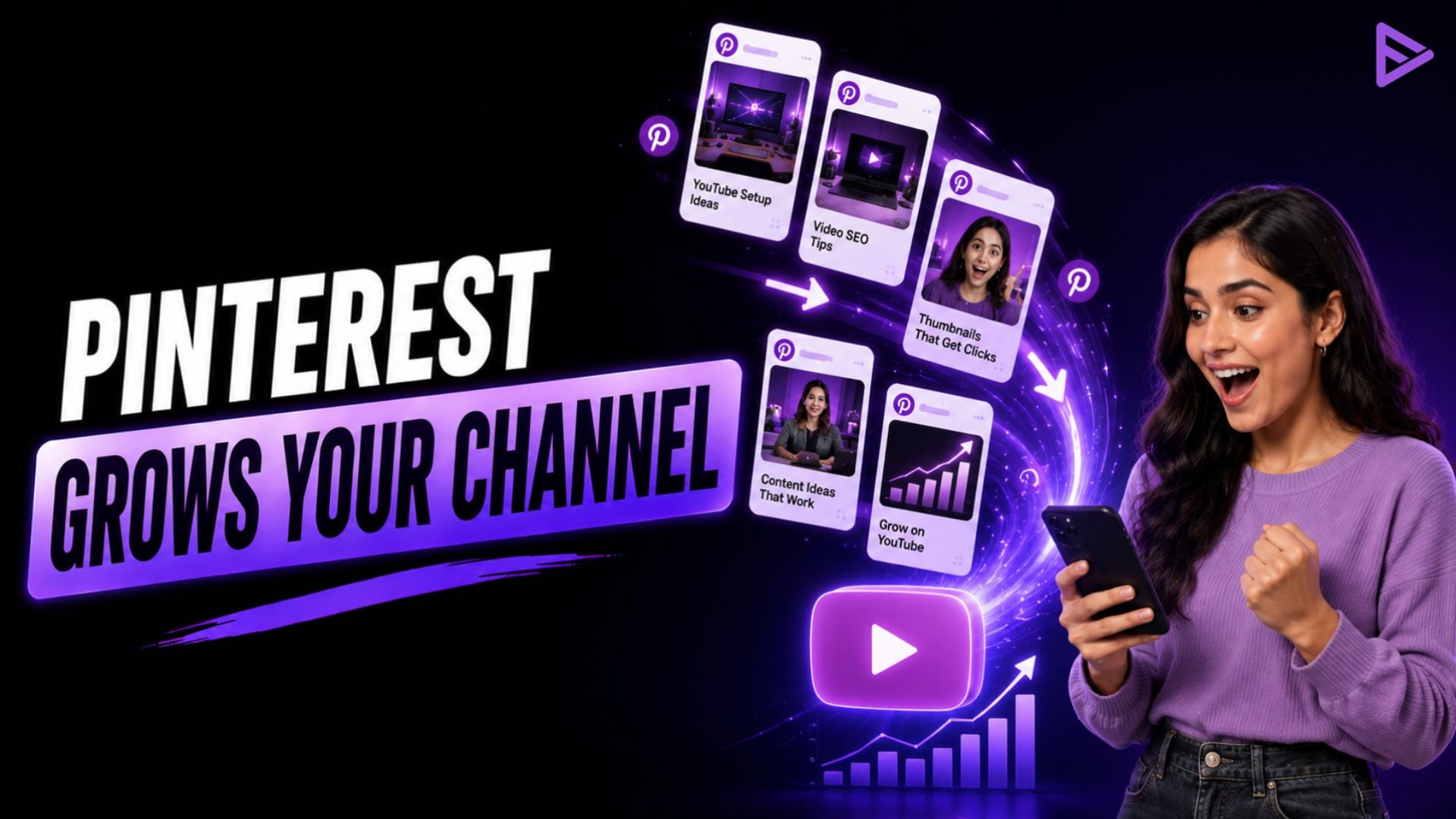
When it comes to growing YouTube, the plan is simple on Pinterest. Create vertical pins connecting to your videos, optimise them using genuine keyword research, and post regularly on a business account that is organised around content topics. Pinterest marketing educator Jen Vazquez has stated that the platform is still in the process of building momentum for creators, thereby explaining the reason why more creators are now taking the platform seriously as a credible traffic source, and not an afterthought.
Why Pinterest Works for Promoting a YouTube Channel
When you learn about how to promote YouTube channel content, you’ll first learn on YouTube, TikTok or Instagram because that’s where discovery typically occurs. Pinterest gets overlooked because it works differently. Users arrive already searching for something specific, a tutorial, a recipe, a how-to, rather than scrolling passively the way they do on other platforms. This goal-oriented activity doesn’t mean that a good pin disappears after it has been seen once. It can show up in search results for years, providing a video with a discoverability source outside of YouTube’s search algorithm.
That audience keeps growing, too. Pinterest hit 640 million global monthly active users in Q2 2026, an 11% year-over-year increase and its 11th consecutive quarter of double-digit growth. That kind of sustained, search-driven reach is rare among social platforms; most feeds bury a post within a day or two.
How Do You Set Up Pinterest for YouTube Promotion?
Setting up Pinterest for YouTube promotion means switching to a business account, claiming your website, building topic-based boards, and embedding your videos on that claimed site, in that order, before you post a single pin.
|
Setup Step |
Why It Matters |
| Switch to a free business account | Unlocks analytics and claiming tools that a personal account doesn’t have |
| Claim your website or blog | Gives you attribution data on outbound clicks, since YouTube channels can’t be claimed directly |
| Build boards around topics, not your channel name | Boards titled by subject get discovered in search; boards named after your channel don’t |
| Embed YouTube videos on a claimed site | Views from an embedded video still count toward your channel |
How to Use Pinterest to Grow Your YouTube Channel with the Right Pin Formats
Learning how to use Pinterest to grow your YouTube channel starts with format, since Pinterest’s feed is built around tall, vertical content. A horizontal pin, especially a raw YouTube thumbnail, almost always underperforms.
|
Pin Type |
Recommended Size |
Aspect Ratio |
| Standard image pin | 1000 x 1500 px | 2:3 |
| Video pin | 1000 x 1500 px or 1080 x 1920 px | 2:3 or 9:16 |
| Multi-page pin | 1080 x 1920 px | 9:16 |
Video pins should run 15 to 60 seconds, since Pinterest autoplays videos muted, so the opening seconds need to work visually without sound. Creating two or three pins per video, one static image and a couple of short clips, gives more chances to surface in relevant searches without repeating the same pin.
How Do You Do Keyword Research for Pinterest Pins?
When you pin something, Pinterest ranks it according to its relevance, similar to a search engine’s ranking of pages. This means that if the video is good, but the title and description don’t have the right keywords, then it will struggle.
See what your audience actually searches for using Pinterest’s search bar. Titles have a length of about 100 characters, and descriptions should not exceed 800 characters, which is sufficient to convey the subject of the video, not just its title. Repeating a keyword too often doesn’t help; Pinterest reads for relevance, not density.
A Step-by-Step Way to Promote a YouTube Channel on Pinterest
Once the account and keyword research are ready, the actual workflow for how to promote a YouTube channel on Pinterest content is repeatable for every new video.
- Create one or two standard image pins using a purpose-built vertical design, not the raw thumbnail.
- Cut two or three short vertical clips from the video and turn each into a separate pin.
- Write keyword-rich titles and descriptions describing what the viewer gets from clicking through.
- Pin to a board matching the video’s topic, not a generic channel board.
- Link every pin directly to the YouTube video URL.
- Check Pinterest Analytics and YouTube Studio’s traffic sources after a few weeks, then repeat what worked.
- Use platforms like VeeFly that help you track your audience accurately.
Final Thoughts
Pinterest rewards patience in a way YouTube’s own algorithm rarely does. A pin posted today can still send clicks to a channel a year later, making it one of the few genuinely evergreen traffic sources available to creators. The setup work, vertical pins, real keyword research, a claimed business account, and pay off without needing a daily posting habit. Pinterest traffic tends to build slowly and stay steady rather than spike, giving creators room to bring in other channels once that early momentum is in place.
Frequently Asked Questions
Q1. Do I need a lot of Pinterest followers for it to actually drive YouTube traffic?
No. Pinterest surfaces pins through search relevance, not follower count, so even a small account can get discovered if the pin is well optimized.
Q2. Will pinning my YouTube videos hurt my channel’s SEO or get flagged as duplicate content?
No. Linking out to YouTube from Pinterest doesn’t count against your channel, and the platforms don’t compete for the same ranking signals.
Q3. Is Pinterest worth trying for a small or new YouTube channel?
Yes, arguably more so than for large channels. Pinterest doesn’t require an existing audience to start showing up in search, which makes it one of the few channels where a brand-new creator can compete on equal footing.
Q4. What kind of videos perform best when pinned to Pinterest?
Tutorials, how-tos, and process-driven content tend to do best, since that matches what people are actively searching for on the platform.
