


Key Takeaways:
- YouTube geo targeting enables creators to restrict campaigns to a particular postal code, city or custom mile radius.
- By establishing precise limits, the cost per view (CPV) can be reduced, as impression waste is avoided in non-converting areas.
- The location presence settings make sure your content is delivered to those who are physically located in your target area.
- Regional keyword matching and negative location filters to avoid unwanted ads in your region.
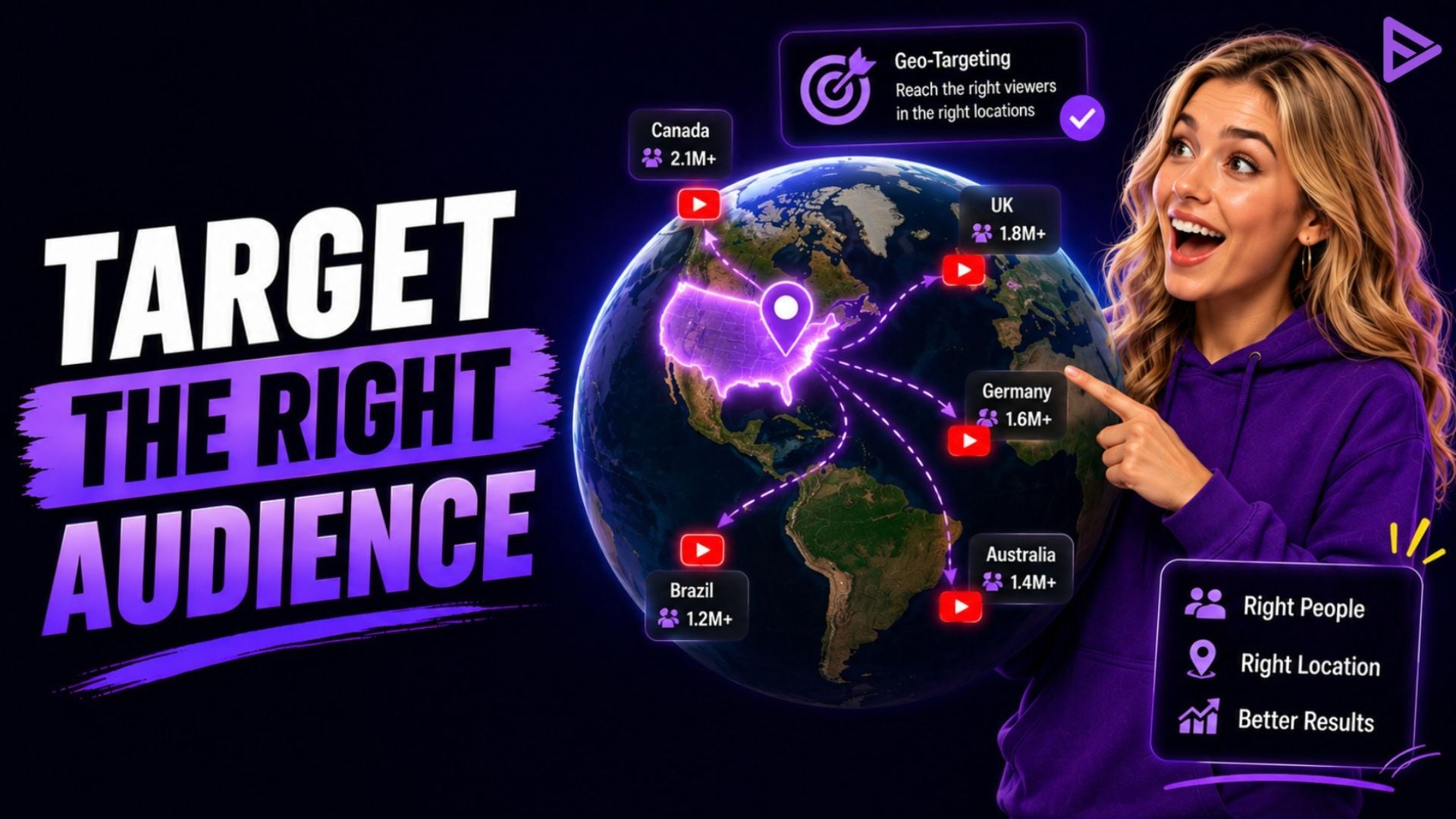
Geo targeting YouTube ads allows creators to promote videos to audiences in specific locations using Google Ads. Whether you target an entire country, a city, or a custom radius, location targeting helps you reach viewers who are most relevant to your content. This improves campaign efficiency, reduces wasted ad spend, and supports better engagement and channel growth.
Can You Geo Target YouTube Ads for Better Channel Growth?
Yes, with YouTube geo targeting, creators can control the geographic placement of their video ads in the global market. You can set precise geographic regions, so you can target areas that have a high purchasing power or cultural affinity to your niche. This accuracy also helps to avoid budget waste and improve key performance indicators such as average view duration.
Official Google Ads documentation states that video campaigns can be targeted to specific countries, territories, cities, and distances from any physical address. Geographic narrowing focuses on the high-value viewers who watch longer and subscribe faster than the low retention audience of broad campaign setups.
“The one fastest method for video makers to exclude ad waste and direct their advertising budget to audiences that convert is precision location targeting.”
– Google Ads Video Certification Guide.
To grow channels, applying geographic constraints provides the following performance benefits:
- Budget Efficiency: Stops delivering ads to geographic areas where, historically, the audience has not converted.
- Algorithmic Signal Alignment: Provides YouTube’s recommendation engine with high-retention watch time from certain geographies.
- Localized Relevance: Allows producers to customize video hooks and video ad scripts for local slang, events, or trends.
How to Target YouTube Ads by Location in Google Ads?
To learn how to target youtube ads by location, you’ll need to configure your campaign parameters within the Google Ads platform. Creators go to their active video campaign settings, expand the location panel and choose their target zones. Learning how to properly set up geographic filters ensures you target your audience in YouTube ads without wasting budget. Specific cities can be entered, or bulk location lists can be applied, or custom radius boundaries can be drawn.
Creating a geo targeting YouTube ads campaign is a straightforward process that has several steps:
- Go to your Google Ads manager, click your active Video Campaign and then click Settings.
- Click on the Locations drop-down and choose Enter another location.
- Enter your desired country, state, city, or postal code in the search field.
- Click on Target to add the area, or click on Exclude to prevent your video ads from appearing in this area.
- To create a proximity radius (such as 10 miles around a particular city center), click Advanced Search.
What Are the Best Location Targeting Options for Video Campaigns?
The location strategy you choose will be determined by your content type, niche, and growth goals. The global channels need wide country targeting in tier one countries, and the local vloggers or service providers need close proximity targeting.
The table below provides an overview of the main geographic targeting options for YouTube video campaigns:
|
Targeting Method |
Reach Scope | Ideal Creator Use Case |
Primary Advantage |
| Country-Level | Broad National | English language gaming, tech or essay channels | Optimizes the total volume of view in high RPM areas. |
| State / City-Level | Regional | Event channels, regional or state-based news, or creators | Adapts video creative to the regional culture and interests. |
| Radius Proximity | 1 to 50+ Miles | Local podcasters, brick and mortar creators and event promoters | Captures hyperlocal viewers within driving range. |
| Bulk Location Entry | Multi-Region | Creators who are advertising to specific tier-1 ad markets at the same time. | Saves time when adding up to 1,000 locations at a time. |
| Negative Exclusions | Restricted | Channels that do not have any non-converting click traffic. | Wastes ad spend in unwanted territories. |
How Does Presence vs. Interest Impact YouTube Location Settings?
Google Ads location settings default to targeting both user presence and user search interest. This default ensures that someone in London who looks for “New York travel vlogs” is likely to see your video ad that is specifically targeting NYC. Depending on their channel strategy, creators need to make a conscious decision between being physically present in the location or being interested in the location.
Google places users geographically using device IP address, user activity and historical location signals, as per Display & Video 360 Help documentation. By choosing Presence, Google will only display ads to people who are physically in or frequently in your targeted area.
- Presence Targeting: Ideal for local businesses, regional events, or location-specific creators that require in-person local viewers.
- Presence or Interest: Best for tourism channels, real estate creators or international channels for expats.
- Negative Location Targets: Negative location exclusions are used to exclude your ads from countries, even if your users are searching for topics that are related to those countries.
Final Thoughts
Location targeting is a game-changer that can turn your video ads into highly targeted growth machines. You can ensure that your campaign budget is not wasted, that you will get better retention rates, and that YouTube will learn to bring in more quality organic traffic by matching your campaign parameters to viewer geographies that are exactly in line. If you are looking for quick results, you can use some of the more targeted promotion tools, such as VeeFly, to easily connect with your target regional audience.
Frequently Asked Questions
Q1. Can you geo target YouTube ads down to zip codes?
Yes, Google Ads supports postal code and zip code video location targeting. Type in the zip codes you want to search for (5-digit) in the Locations search box in campaign settings. This way, local creators can focus on high-value areas while avoiding the expenditure on areas outside those areas.
Q2. Why is my YouTube ads showing out of my target location?
Your campaign should be set to the default “Presence or Interest” instead of the strict “Presence”. By default, it will show ads to people outside your area who are looking for ads related to your target area. Change Location Options to “Presence: People in or regularly in your targeted locations”.
Q3. How does radius targeting work for YouTube video ads?
Radius targeting draws a circular distance boundary around a specific street address, city, or coordinate. Set a radius between 1 and 500 miles (or kilometers) within the Advanced Search map tool. Your video ads will display strictly to users within that designated proximity circle.
Q4. Does geo-targeting increase YouTube ad cost-per-view (CPV)?
Narrower location targeting can slightly increase average CPV due to smaller ad auction pools. However, higher engagement rates and longer watch times from localized viewers offset the higher CPV. The resulting surge in retention signals yields better overall return on investment for your channel.
