


Key Takeaways
- Live Practice Mode is available for mobile live streaming.
- It provides a private space with no real audience.
- Creators can rehearse their setup, content and interaction style.
- It can help new creators feel more comfortable before their first live stream.
- Creators can move directly from practice mode to a public live stream when ready.
- The feature is currently rolling out to all creators.
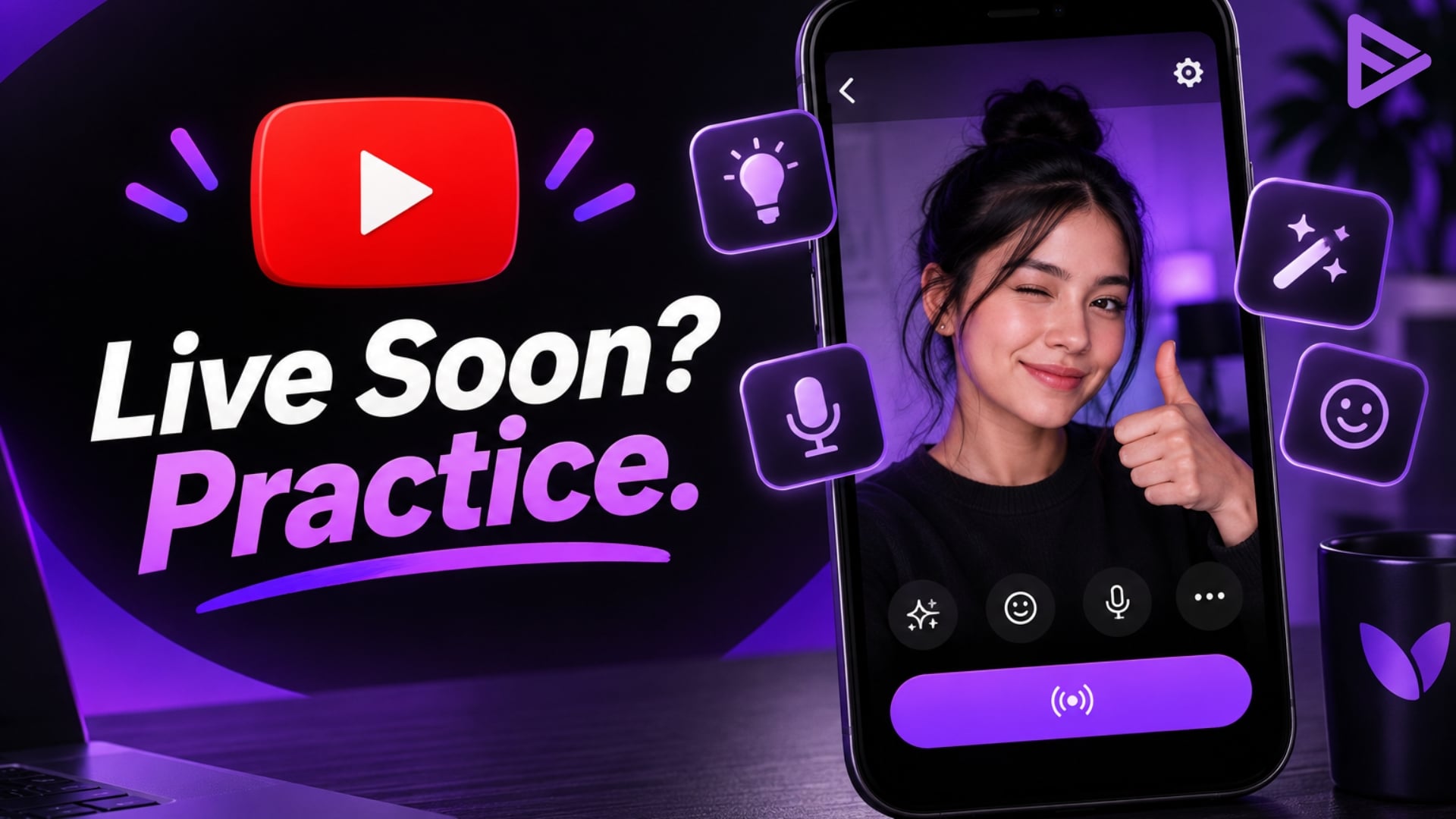
Going live for the first time can feel intimidating, especially for small creators who are not comfortable speaking on camera. YouTube is making that first step easier with a new Live Practice Mode on its mobile app.
The feature gives creators a private space to rehearse before starting an actual YouTube live stream. No real audience is watching, so creators can take their time and get familiar with the live setup.
YouTube Live Practice Mode: How It Works
Creators can open the YouTube app, tap Create, select Live, and choose Practice mode below the Next button. This opens a private practice session without a live audience.
It can help you check the setup, test the content, and get comfortable with how the live stream works. Creators can use this time to check their lighting, microphone and sound, try available tools and effects, and practice how they want to interact with viewers. When everything looks good, creators can tap Go live from the practice session and start streaming to their audience.
Final Thoughts
For creators who have always wanted to try live streaming but felt unsure about the first step, Live Practice Mode could make the process less stressful. Instead of learning everything while a real audience is watching, creators can practice first, make adjustments and start when they feel ready. It is a simple addition, but for someone going live for the first time, having a private place to practice could make a big difference.
