


Key Takeaways
- Auditing branding (banner/profile icon/channel trailer) establishes immediate authority and increases channel conversion rates.
- Optimising technical metadata, including targeted titles, descriptions, and tags, directly increases visibility in search and suggestions.
- Use the audience retention graph and CTR to understand precisely when your viewers leave before your next upload.
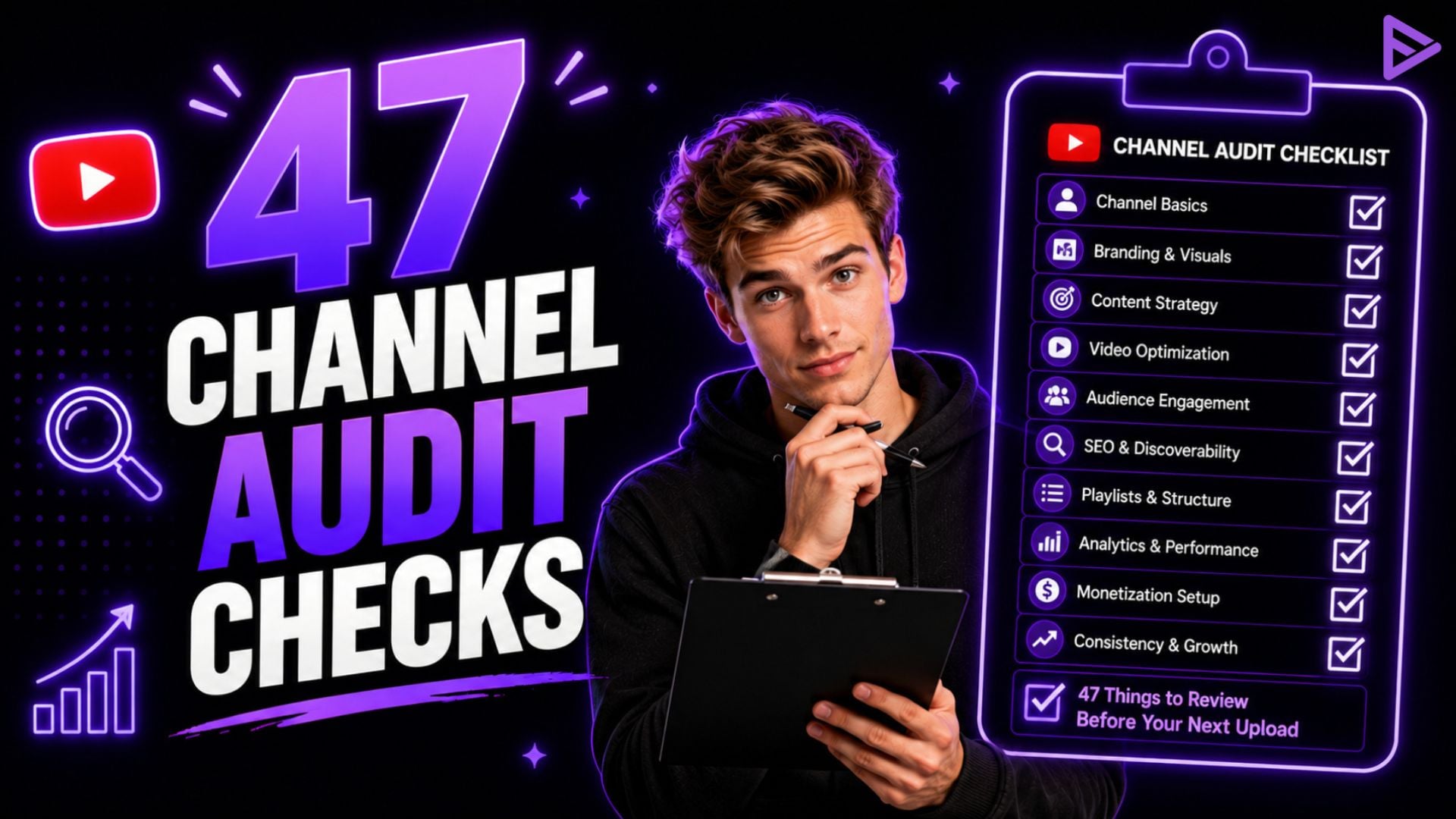
An inclusive YouTube channel audit checklist helps maximise the channel’s branding, metadata, content, and analytics before publishing new videos. Using a structured YouTube channel audit checklist reveals performance gaps, boosts CTR, and accelerates subscriber growth. When combining constant audits with analytics and promotion tools, creators can verify metadata and increase visibility across channels.
The YouTube Channel Audit Checklist: 47 Things To Review Before Your Next Upload
Before starting a YouTube audit checklist, creators need to set baseline performance metrics, clear out outdated metadata, and download account analytics. What should you check when auditing YouTube channel settings? These include selecting target keywords, accessing channel analytics, managing visual assets, and setting performance goals based on click-through, retention, and subscriber conversion.
|
Audit Category
|
Primary Metric / Focus
|
Target Benchmark
|
Recommended Frequency
|
|
Visual Branding
|
Banner, Avatar, Channel Trailer
|
Clear value proposition in 3 seconds
|
Every 6 Months
|
|
Video SEO
|
Titles, Descriptions, Tagging
|
Search visibility & high CTR (>6%)
|
Every Upload
|
|
Audience Analytics
|
Average Percentage Viewed (APV)
|
>50% retention at 30-second mark
|
Monthly Review
|
|
Community & Links
|
Playlists, Cards, End Screens
|
Extended watch sessions / Binge loops
|
Quarterly Review
|
As YouTube growth strategist Derral Eves notes, “Your packaging, your title and thumbnail, is your first impression. If viewers don’t click, they never experience your content. “
What Is The Checklist Before Auditing a YouTube Channel
Use this YouTube audit checklist example to review your account in these five key areas for best results in organic reach and subscriber conversion:
Pillar 1: Channel Branding and First Impressions
1. Channel Avatar: It must be clear, high-contrast, and recognisable at 98×98 pixels.
2. Channel Banner: Ideal resolution is 2560×1440 for both mobile and desktop, as well as safe text zones.
3. Channel Trailer: It is a brief overview intended for non-subscribers to understand your channel.
4. Featured Videos for Returning Subscribers: Videos are either the newest uploads or the most popular video.
5. About Section Bio: Clear value statement with main target keywords.
6. Channel Keywords: Inserted through the YouTube Studio, channel keywords are used to determine your channel niche.
7. Custom URL: Sleek, branded username (e.g., @yourchannel).
8. Contact Information: An official email in the About tab.
9. Social Links: Fresh social links for the website, Twitter, and Instagram.
10. Watermark & Subscription Button: A custom watermark of 150×150 pixels shows in the entire video.
Pillar 2: Video SEO and Metadata Optimisation
11. Keyword Research: The required keyword was found before starting to write scripts.
12. Title Optimisation: The keywords used in the title have emotional appeal.
13. Description Opening: The opening two sentences explicitly describe the value of the content and include primary keywords.
14. Timestamps / Chapters: Added in the description (0:00 Intro) for easy viewer access.
15. Relevant Hashtags: 3-5 specific hashtags should be present in the description.
16. Tags Placement: Various general and specific keywords should be placed under the description.
17. Category Selection: The correct category is used in YouTube Studio.
18. Language Settings: The language has been predetermined in the video settings and set by adding subtitles.
19. Location Tagging: Location tagging is to be done whenever necessary.
20. License Settings: The standard YouTube license is applied.
Pillar 3: Image and Thumbnail Plan
21. Resolution: The masters should be exported in 1920×1080 format with the size not exceeding 2MB.
22. Text Readability: There must be a maximum of 2–4 words written in bold and contrasting text.
23. Focal Point: Only one significant character is present in the image (a person, object, or action).
24. UI Safe Zones: Important graphics are not occluded by the bottom-right timestamp badge.
25. Mobile Ready: Content has been viewed on mobile to confirm content is legible.
26. TV compatibility: High contrast with clear cutouts for big-screen viewers.
27. A/B Testing: Created different thumbnail options to assess effectiveness.
28. Visual Brand Consistency: Consistent colours and fonts within uploads.
Pilar 4: Audience Engagement & Mechanics of the Channel
29. End Screen Cards: Added in the last 20 seconds to related video/playlist.
30. Info Cards: Placed at high drop-off points to keep viewers watching.
31. Playlist Management: Assign videos to themes and playlists that help with search.
32. Pinned Comment: Strategic questions or links are pinned to the top of comments.
33. Comment Moderation: Inappropriate comments filtered out via studio controls.
34. Community Tab Updates: Engage your audience with regular polls or teasers.
35. Shorts Integration: Vertical content connecting audiences back to your core long-form videos.
36. Subtitles / CC: Closed captions reviewed for accuracy.
37. Monetisation Options: Placement of mid-roll ads that is optimised for long videos.
38. Copyright Checks: Monitor your YouTube Studio dashboard for copyright strikes or claims.
Pillar 5: Performance Metrics & Growth Activators
39. 30-Second Retention Test: Check whether retention is still above 50% after the intro.
40. Click-Through Rate (CTR) Benchmark: Expecting >6% CTR on first upload feed.
41. Traffic Sources Audit: Verify whether views come from Suggested Videos or Search.
42. Subscriber Conversion Rate: Monitor which ones are bringing the most subs.
43. Audience Demographics: Compare content topics to top age/location brackets.
44. Watch Time Per Session: Keep in mind your end screens should encourage people to watch more videos.
45. Dashboard Validation: Run campaign analytics to measure target impression reach.
46. Competitive Benchmarking: Analyse your top-ranking niche titles using the VeeFly Chrome Extension.
47. Upload Consistency: Be reliable and predictable with your upload schedule for your audience.
According to analytics, a strong audience retention benchmark for standard YouTube videos is holding at least 60% of your audience past the first 30 seconds.
Final Thoughts
Running a routine YouTube channel audit checklist before uploading turns spontaneous posting into steady growth. By keeping branding cohesive, optimising metadata, and analysing retention curves, creators create the desired effect with each upload. Using specialised growth tools, like the Thumbnail Generator Tool and other promotion tools, speeds up feedback from the algorithm, which helps you build a base of loyal subscribers faster.
Frequently Asked Questions
Q1. What are the most common YouTube channel audit mistakes?
Common YouTube channel audit mistakes include fixing cosmetic issues first, auditing all videos equally, looking at views without context, ignoring competitors, and creating an oversized fix list. Focus on performance data, identify the biggest growth blockers, study competitors and outliers, and prioritise a few high-impact changes instead of trying to fix everything at once.
Q2. What is the most important thing to look at in a channel audit?
Click-Through Rate (CTR) and Average Percentage Viewed (APV) at 30 seconds are the two most influential metrics affecting algorithmic recommendations.
Q3. Do channel keywords help with YouTube SEO?
Use channel keywords to tell YouTube’s algorithm your channel’s overall topic and niche so that it can serve your videos to more relevant audiences.
Q4. What is a good YouTube channel score in the audit?
A score is only useful when it informs you what to prioritise. A score >41 of 50 indicates a strong baseline. A score of 31-40 means that the channel is solid but leaking growth. A score below 30 indicates that the channel probably needs some work on strategy, packaging, or retention before it should release more videos.
Q5. What is a good YouTube channel audit score?
A good YouTube channel audit score depends on the audit tool and the metrics it evaluates. Rather than focusing only on the overall score, review key areas such as CTR, audience retention, watch time, engagement, metadata, thumbnails, playlists, and channel optimisation to identify specific opportunities for improvement.
Q6. Is reviewing older videos a way to increase your channel’s performance potentially?
Yes, you can revive views from older videos by refreshing titles, thumbnails, and descriptions on high-traffic videos and potentially introducing users to more recent content.
