


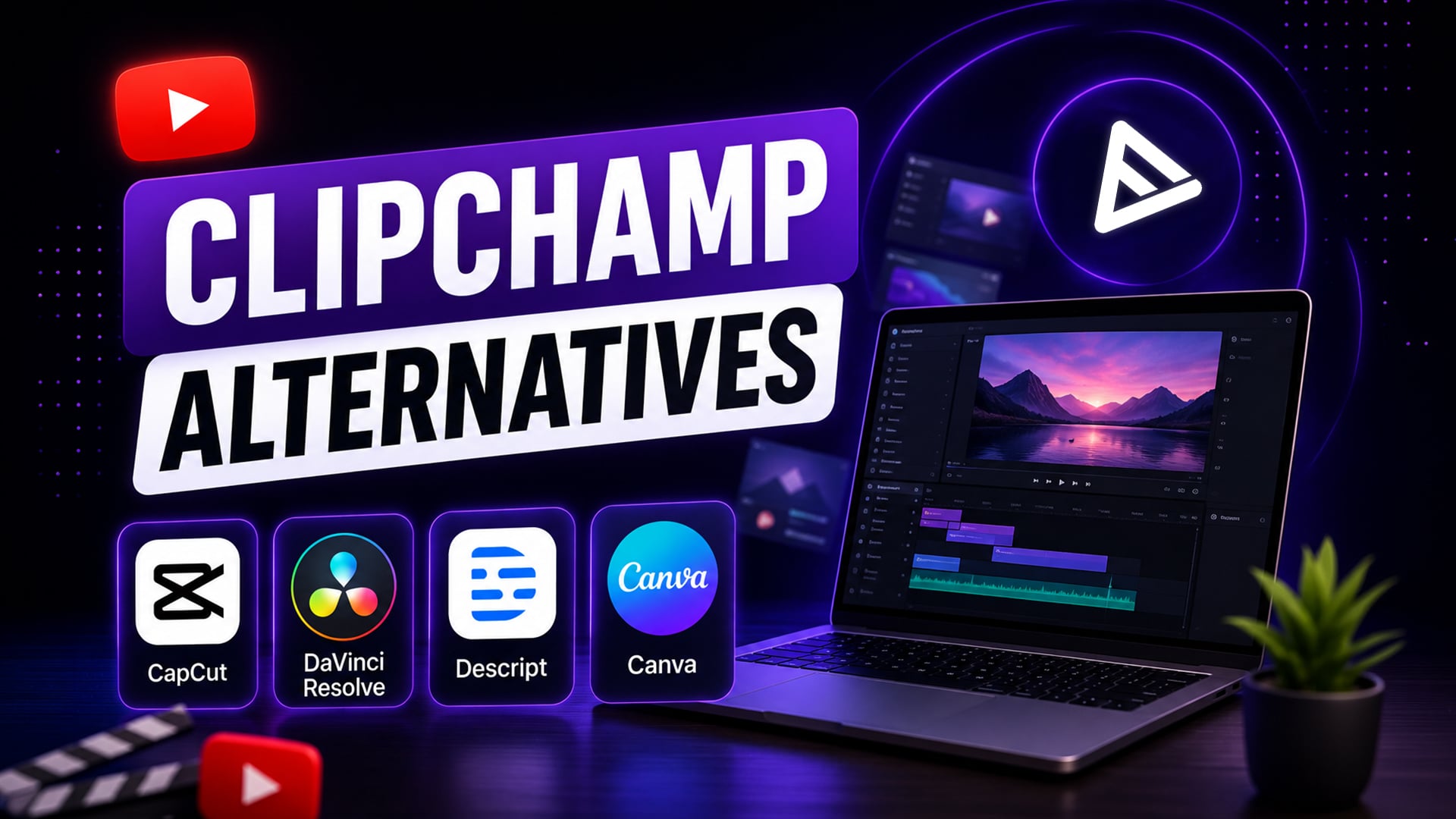
Key Takeaways:
- The best short-form editing app for mobile with viral trend templates, keyframe animation, and auto-captions is CapCut.
- Multi-track timeline control, 60 fps 4K exports, and cinema-grade colour correction are available for free with DaVinci Resolve.
- Descript makes dialogue-heavy editing easy by letting creators edit video directly from the text transcript.
- You can collaborate with a team and access stock media libraries on browser-based platforms like Canva without downloading software.
The best video editor will depend on the hardware constraints, project duration, and features you need. Vertical short-form content can be edited quickly in browsers or mobile applications, but long-form content for YouTube requires camera-timeline control, multi-cam editing, and colour management, which can be achieved in dedicated desktop applications for cinema-quality productions.
While convenient for quick edits in the browser, timeline lag, rendering limits, and those capped audio controls can really get in the way when you’re trying to expand as a creator with Microsoft Clipchamp. For people who need faster output, richer colour control, or AI capabilities, there are better Clipchamp alternatives available online and in desktop and mobile apps. Upgrading your editing setup reduces that whole production friction, so you can focus more on building and growing your audience.
What Are the Top Mobile Alternatives to Clipchamp?
CapCut and InShot are the best Clipchamp alternatives for mobile editing apps for those who edit directly on their phones or tablets. In addition to vertical aspect ratio presets, AI captions, and viral trend templates, CapCut’s automated short-form editing capabilities make it a great tool for this. InShot’s intuitive clip trimming, speed controls, and motion sticker overlays are also excellent features. The mobile applications both render faster and have less export friction than mobile browser tools.
- CapCut Mobile: Designed to streamline video creation for vertical platforms like TikTok, Shorts, and Reels, featuring AI-powered captioning in more than 125 languages and keyframe effects.
- InShot: Perfect for fast cuts on mobile, blurring backgrounds, adding text, and publishing without the need for complex project preparation.
- Adobe Express Mobile: Social graphic design, rapid video clipping and AI-powered Firefly asset creation right from iOS or Android.
What Are the Best ClipChamp Alternatives (Desktop)?
If you need offline processing, multiple timeline tracks and multi-cam stability, then DaVinci Resolve and Adobe Premiere Rush are the best desktop alternatives to Clipchamp. Premiere Rush also offers intuitive multi-track, cross-device sync across desktop environments, while DaVinci Resolve offers full professional-grade 4K 60 fps exports without watermarks for free. Switching to local software completely removes browser memory restrictions, audio sync problems and web rendering crashes.
- DaVinci Resolve: The industry standard free desktop suite for 4K rendering, multi-track timeline editing, Fairlight audio mastering and advanced colour correction.
- Descript: An app that lets creators edit long-form video, podcasts, and interviews directly by editing a transcript that’s created from the video.
- Wondershare Filmora: It is a lightweight desktop video editor that offers a balance of drag-and-drop convenience and desktop timeline stability for medium-length YouTube videos.
| Feature / Tool | CapCut | DaVinci Resolve | Descript | Adobe Premiere Rush |
| Primary Specialty | Short-form & AI trend effects | 4K Color grading & audio | Text-based dialogue editing | Cross-device multitrack sync |
| Pricing | Free; Pro at $19.99/mo ($179.99/yr) | Free; Studio at $295 one-time | Free; Paid plans from $15-$30/mo | Free Starter; Premium at $9.99/mo |
| Max Free Export | 1080p / 4K (Watermark-free) | 4K UHD at 60 fps | 720p (Limited monthly cap) | 1080p Unlimited |
| Platform | Available on Web, iOS, Android, Windows, Mac | Windows, macOS, Linux | Windows, macOS, Web | It can be used on Windows, macOS, iOS, and Android. |
| Ideal Creator | TikTok & Shorts Creators | Filmmakers & YouTube Pros | Podcasters & Educators | Vloggers & Mobile Editors |
Cloud apps aren’t as good at handling multi-track audio and multi-cam footage as desktop editors for longer YouTube productions (more than 15 minutes). Desktop non-linear editors render 40% faster than browser-based rendering engines on high-bitrate footage, according to data from TechSmith Creator Benchmark.
Final Thoughts
By using specialised editing tools, you will avoid performance bottlenecks, enhance your visual storytelling and improve your overall publishing speed. Whether it’s for short-form velocity with CapCut or cinematic depth with DaVinci Resolve, it’s crucial to match your software to your creative process. After you have fine-tuned your content, expand your reach efficiently with VeeFly’s promotion services to keep your viewers engaged.
Frequently Asked Questions
Q1. Which Clipchamp alternative is best for YouTube Shorts?
CapCut is the best YouTube Shorts alternative for creators to cut, format, and render their vertical 9:16 videos in less than 15 minutes, whereas Clipchamp takes an average of 25 minutes. It has built-in vertical canvas presets, auto-captioning for 125 languages, keyframe animation, and trending audio sync for mobile-first platforms.
Q2. What are the best free Clipchamp alternatives for video editing?
The best free options include CapCut for social short-form video editing, DaVinci Resolve for desktop pro-level video editing, and Canva for collaborative web-based video projects. CapCut provides watermark-free exports at 1080p and 4K resolution for native videos, whereas DaVinci Resolve offers a multi-track timeline with no subscription charges.
Q3. Which video editing software is available for free without a watermark or export limitation?
In the full free version of DaVinci Resolve, you can export up to 4K UHD (3840×2160) at 60 fps without a watermark. Furthermore, CapCut enables users to export their videos at 1080p and 4K resolution without a watermark on their regular accounts, provided they remove the default ending clip and do not use paid Pro assets.
Q4. Which desktop editor supports pro-level colour grading and audio editing?
DaVinci Resolve is the industry-standard desktop suite for free professional colour grading, Fairlight audio mastering, and Fusion visual effects. It runs directly on Windows, macOS, and Linux and can handle heavy 8-bit and 10-bit camera footage offline without crashing the cloud renderer or hitting browser memory limits.
